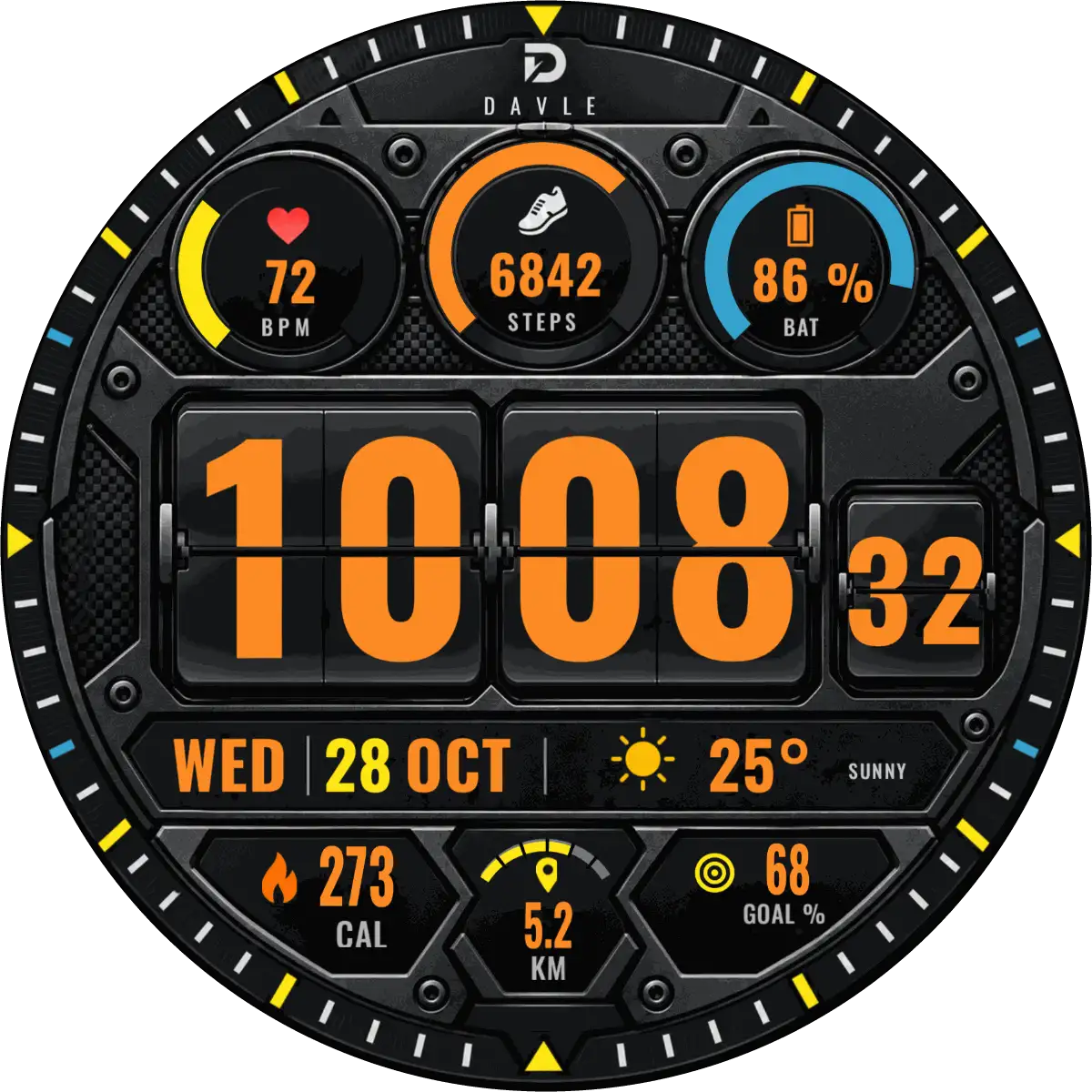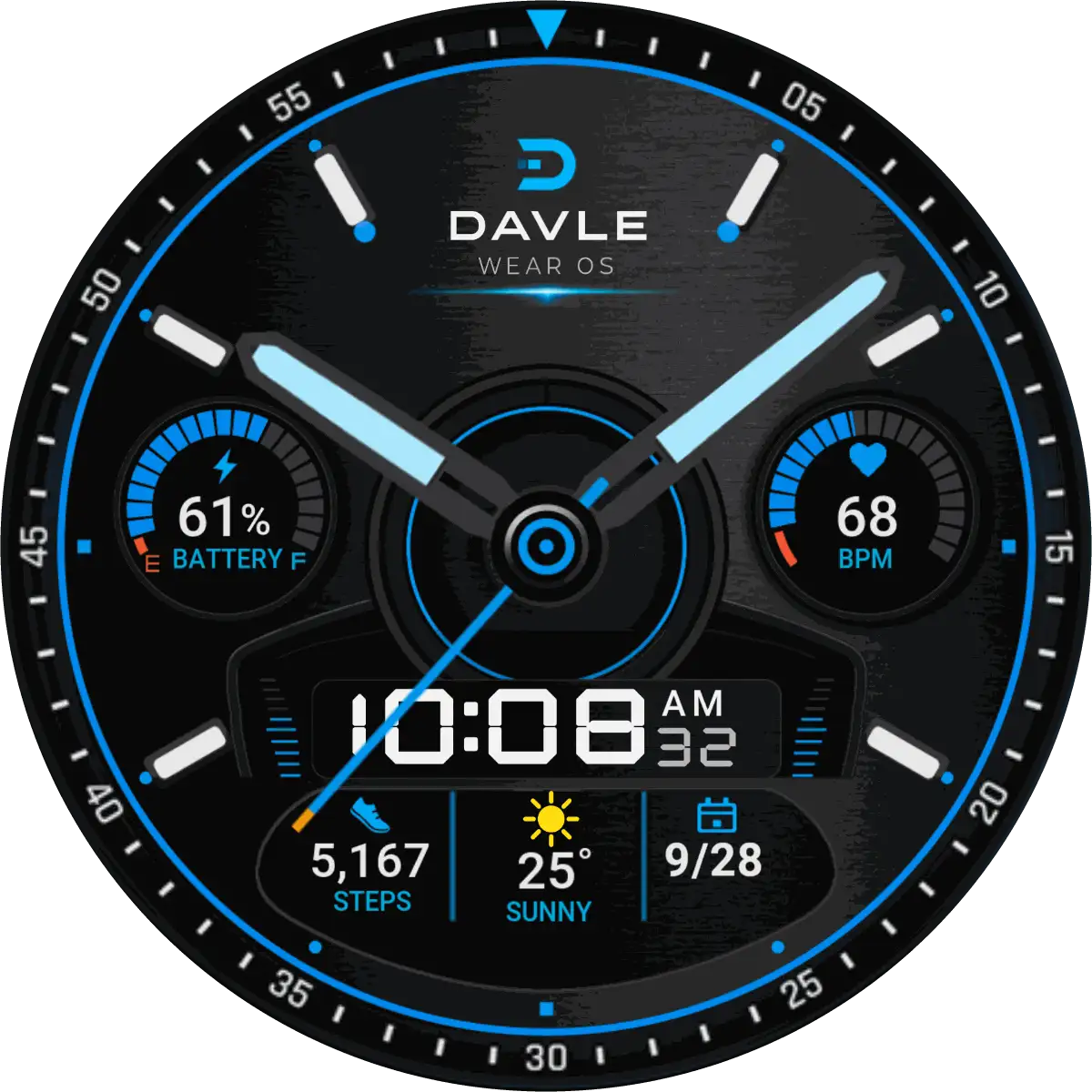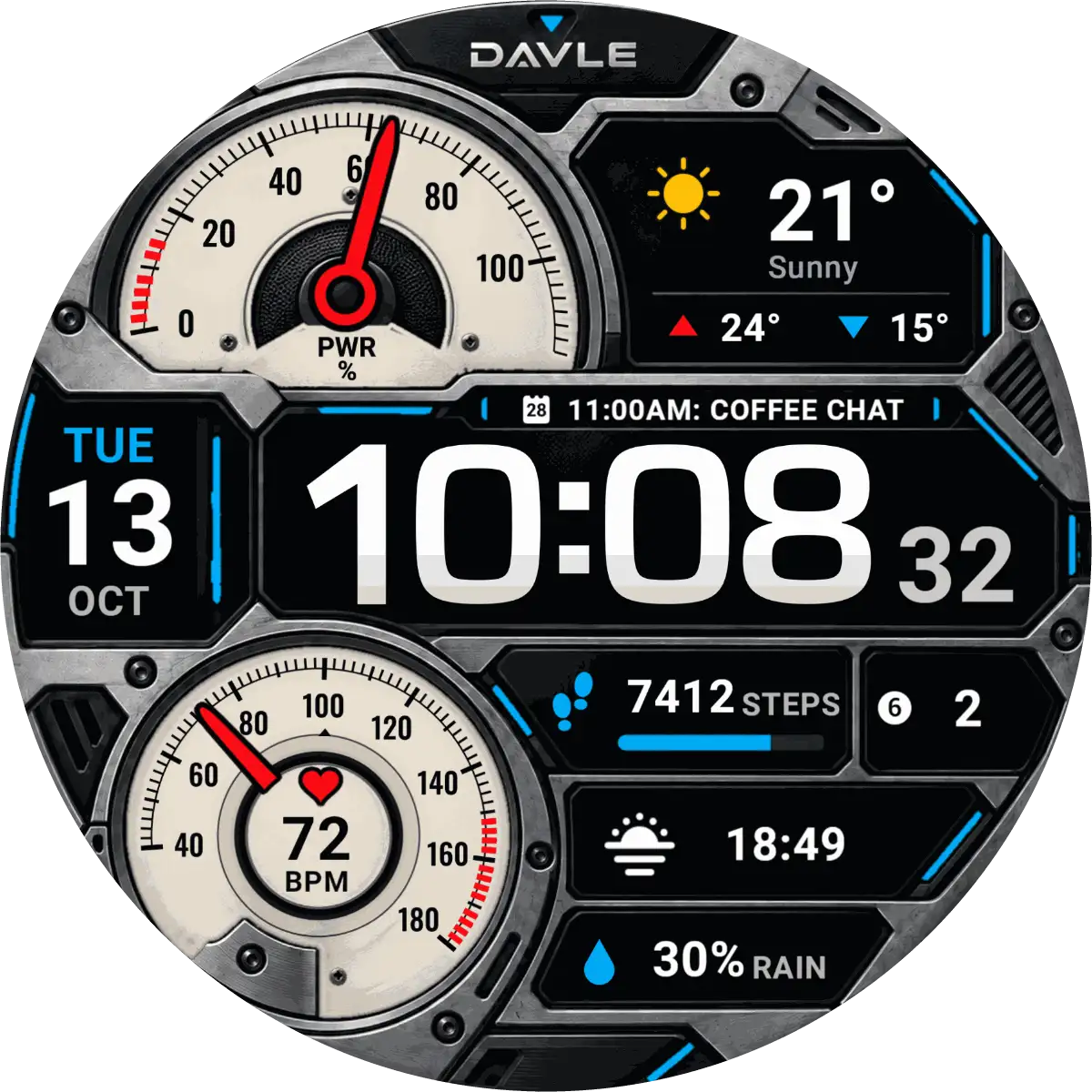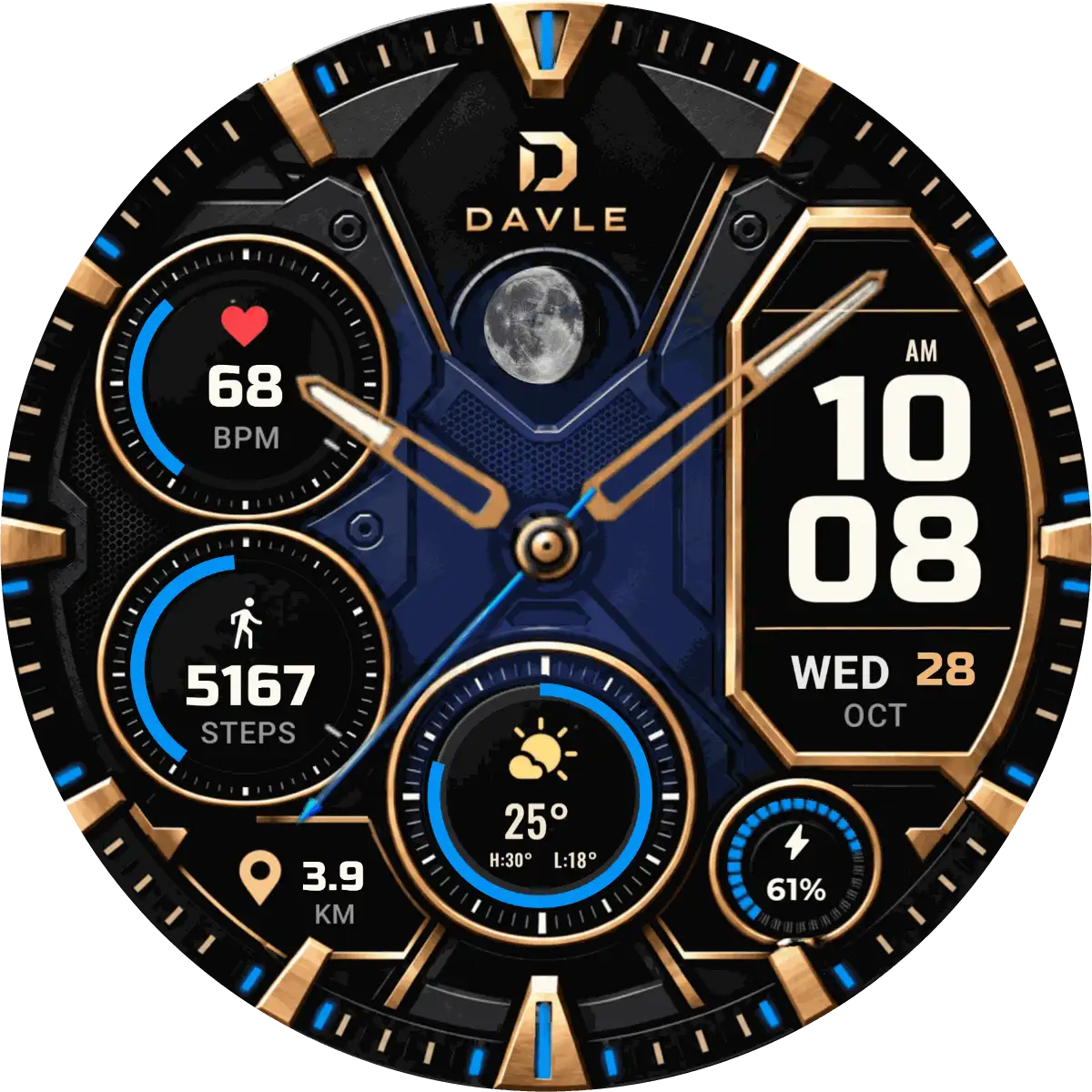
Coming soon
TALOS
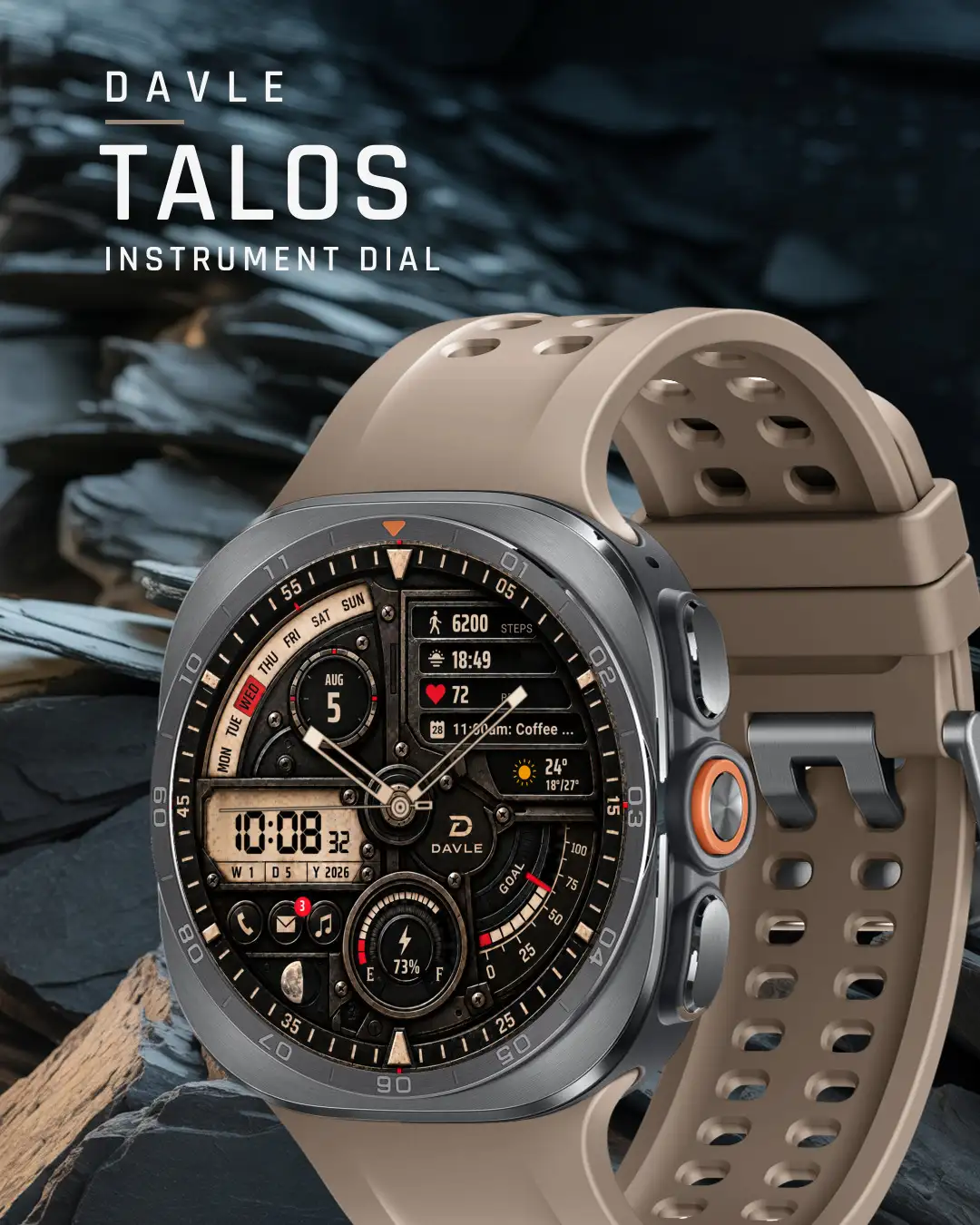
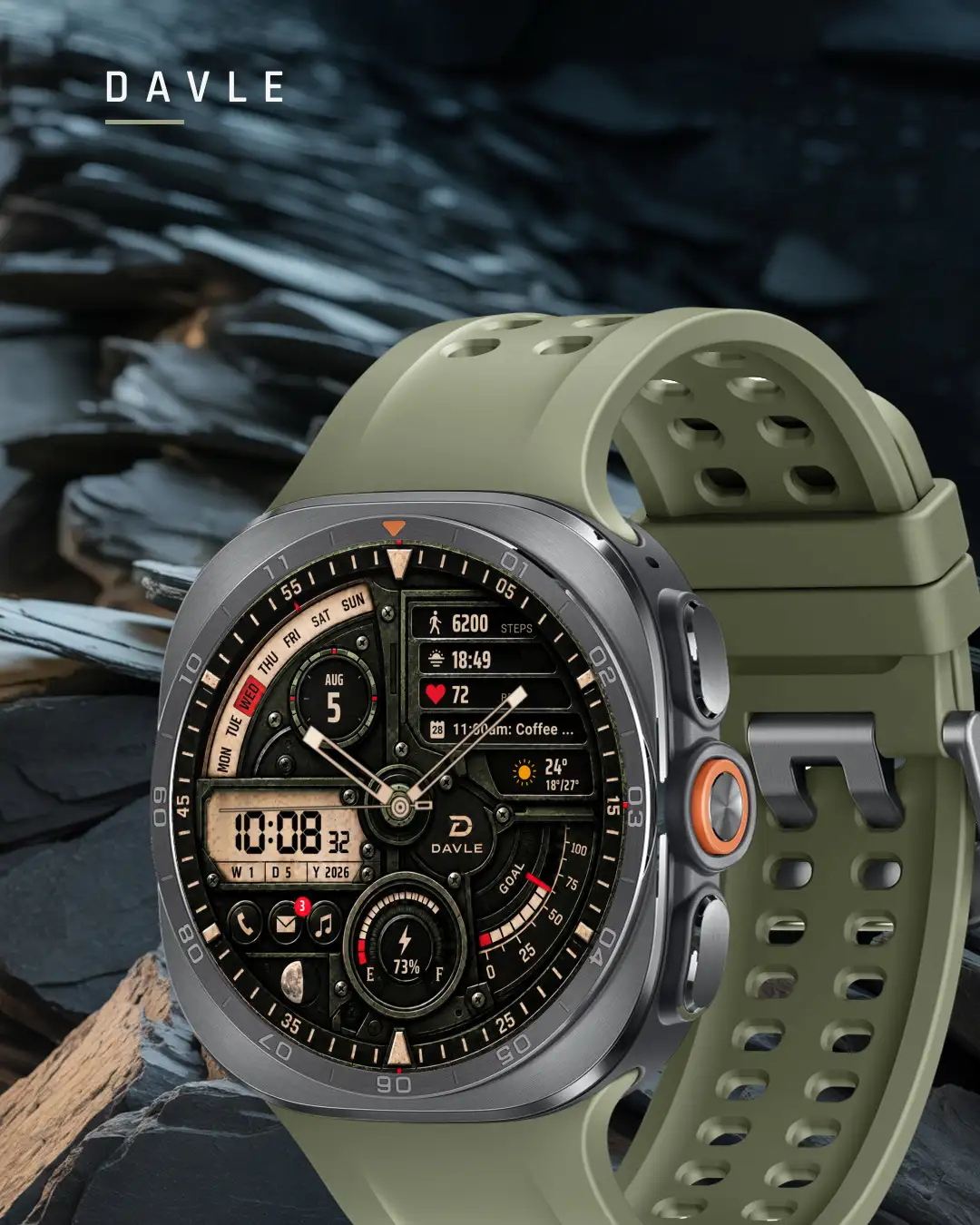
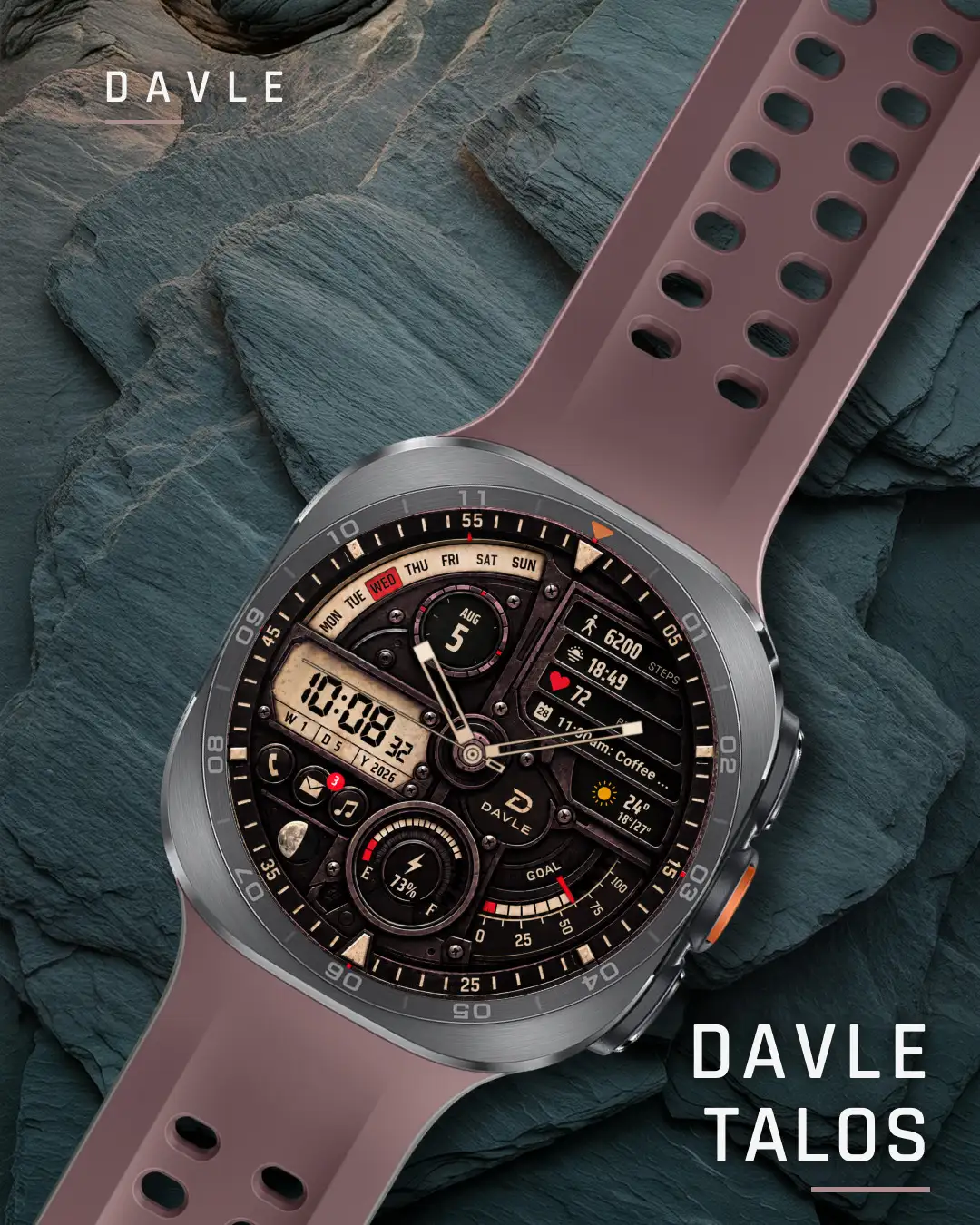
TALOS reads like a riveted metal instrument panel, not a flat dial.
It needs a round watch with Wear OS 5 or later.
- Wear OS 5 or later
- Round watches
- Galaxy Watch4 and newer
- Pixel Watch
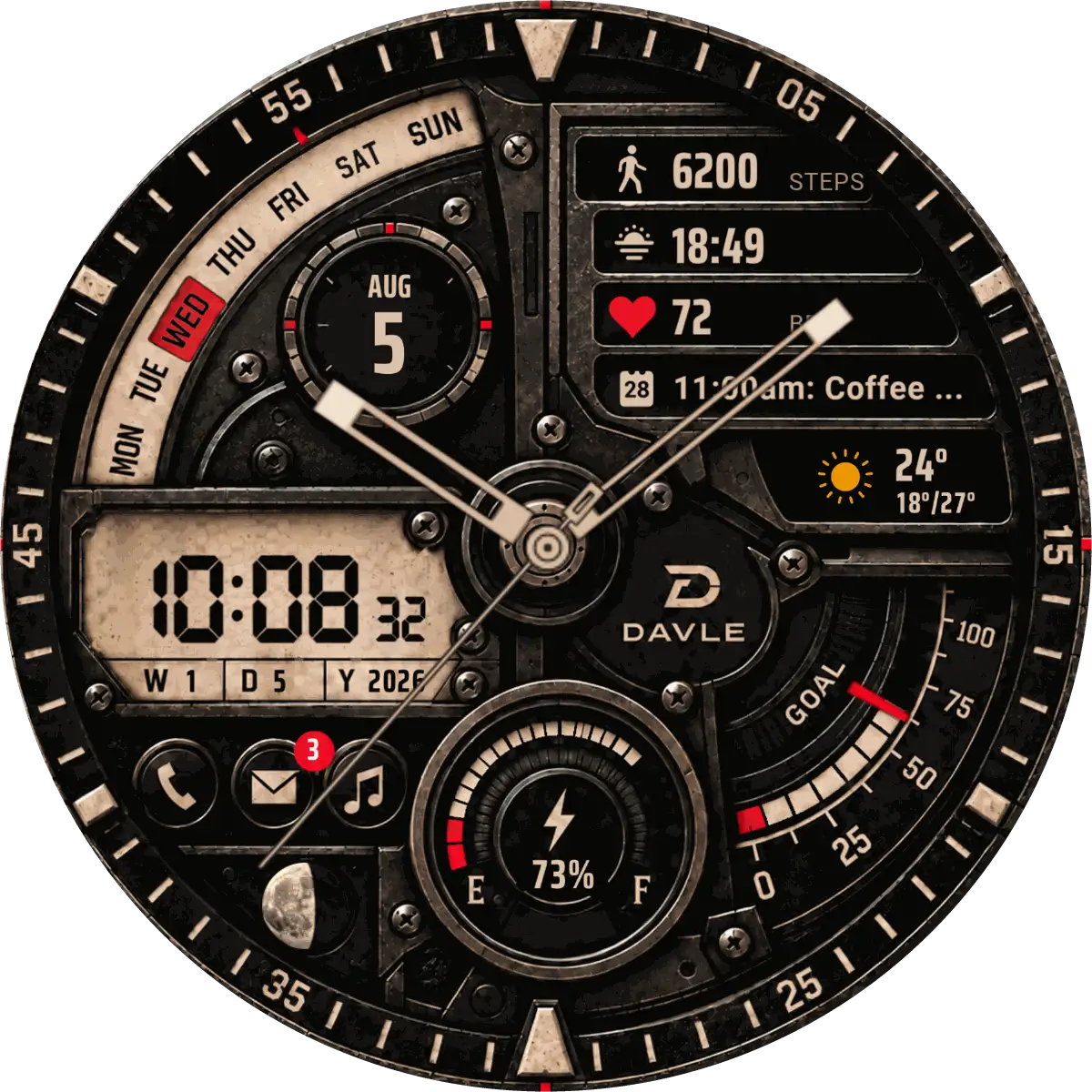
Captured from the watch at 1:1
Every reading is live.
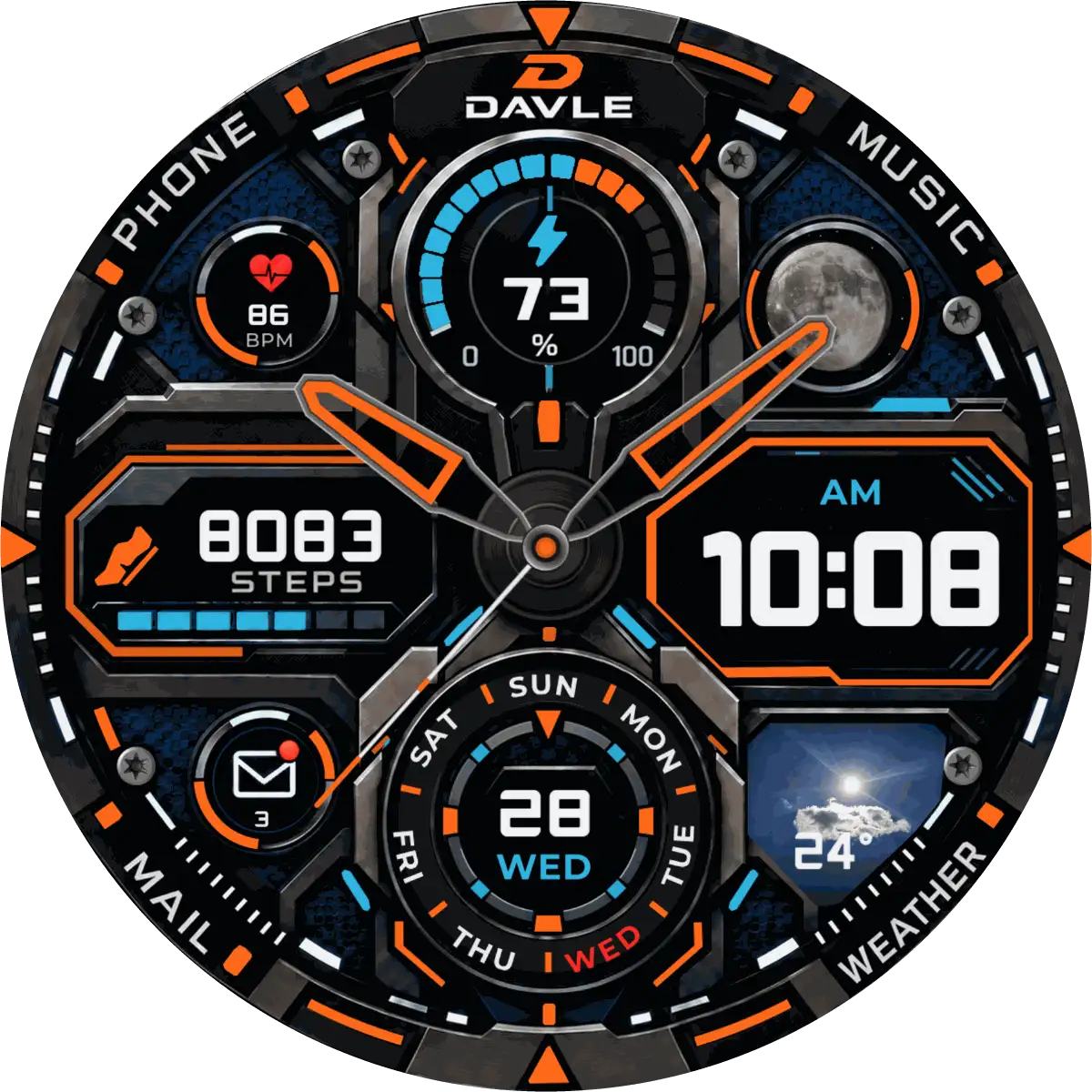
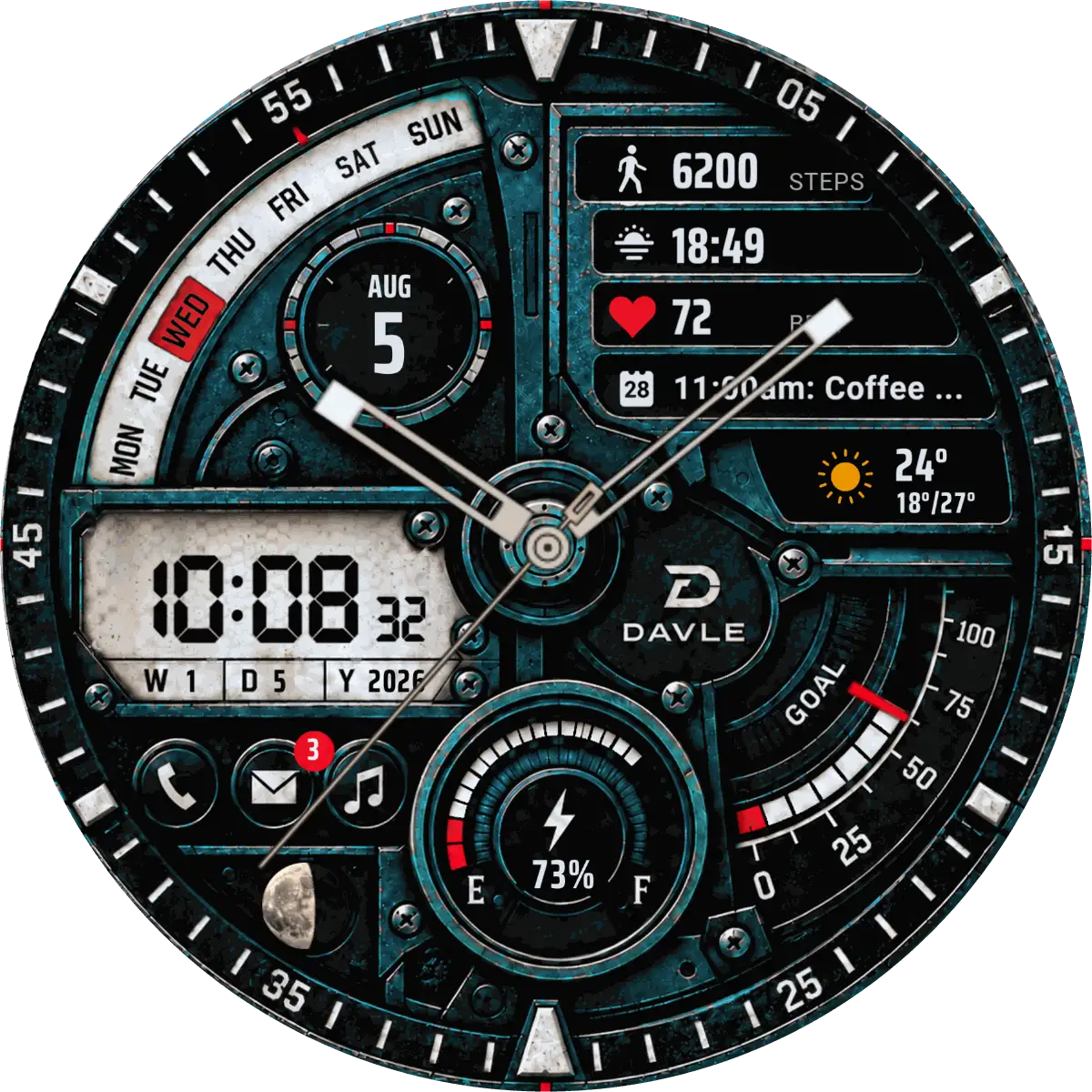
- Analog hour, minute and second hands over a blackened-metal, screw-plated dial
- A digital time module on the left with hours, minutes and seconds in 12-hour or 24-hour format, following your watch setting, with AM/PM in 12-hour format, plus a week/day/year line underneath
- A weekday arc with today marked in red, and a date circle
- Four data tiles you can set: the defaults are step count, sunrise/sunset, heart rate and your next calendar event
- Weather condition, current temperature and the day's high and low
- A GOAL arc: a row of cells that fills with your step percentage, with a red pointer on the same scale
- A battery gauge marked E to F, with a live percentage readout
- A moon phase disc
- Phone, messages and music buttons; the messages button shows your unread count
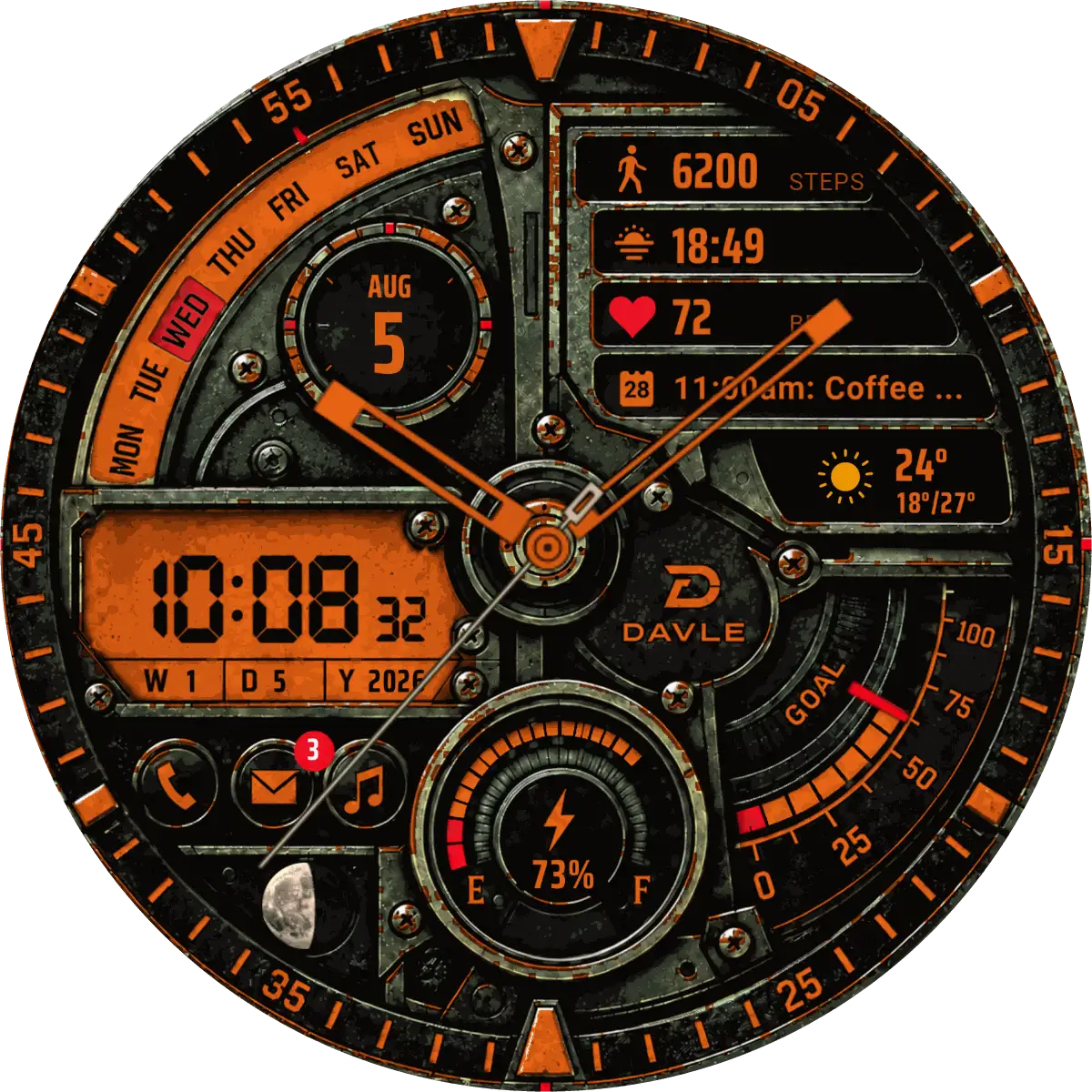
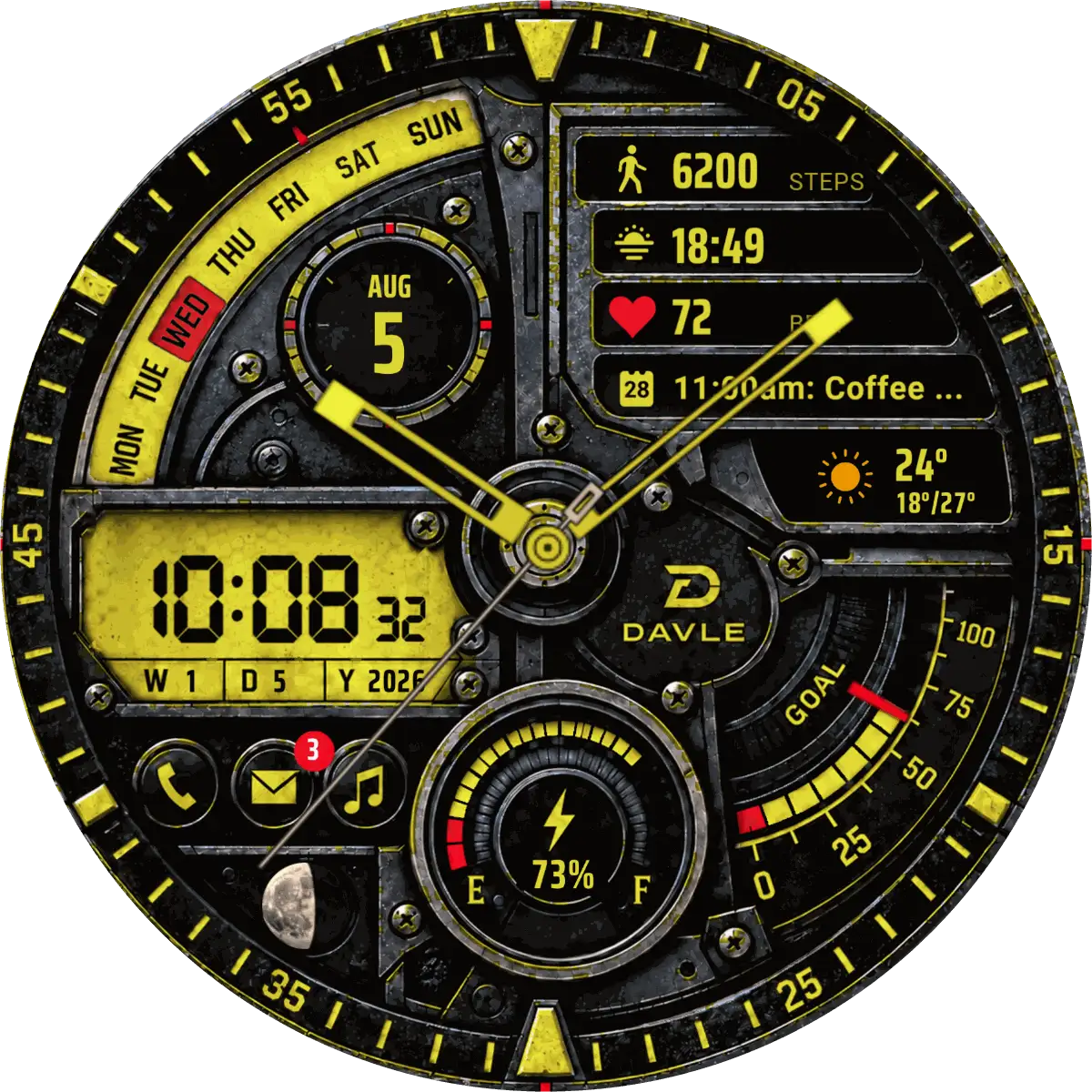
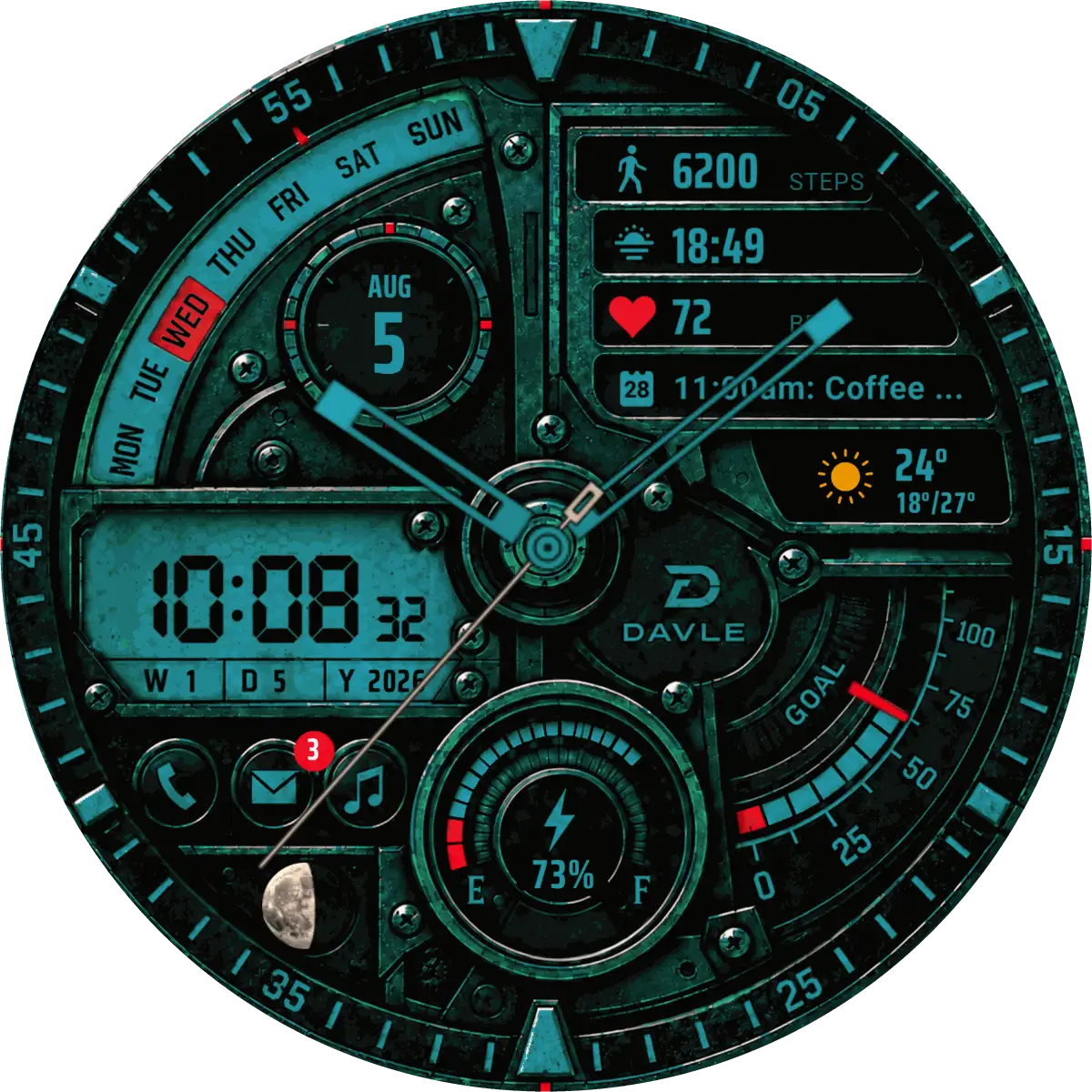
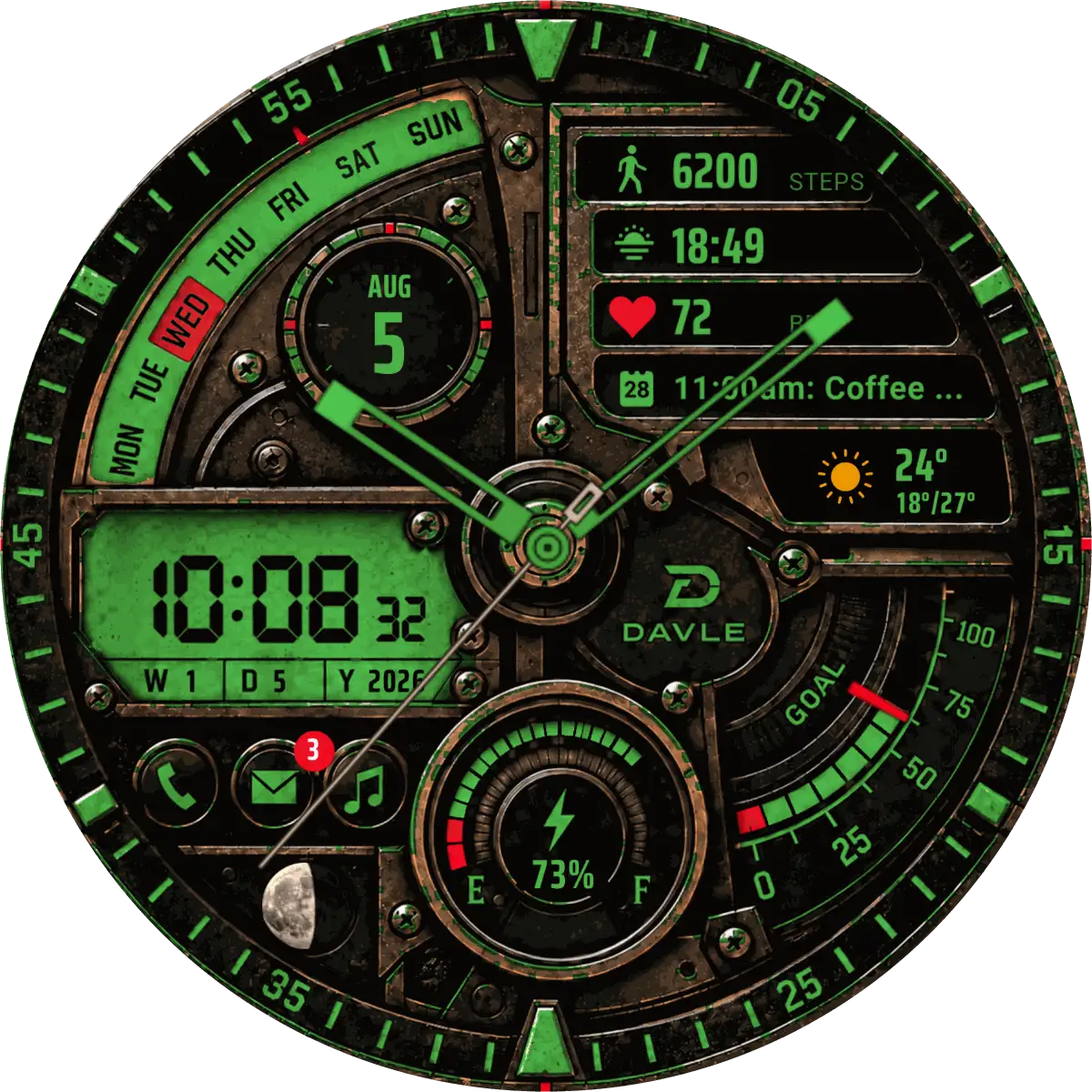
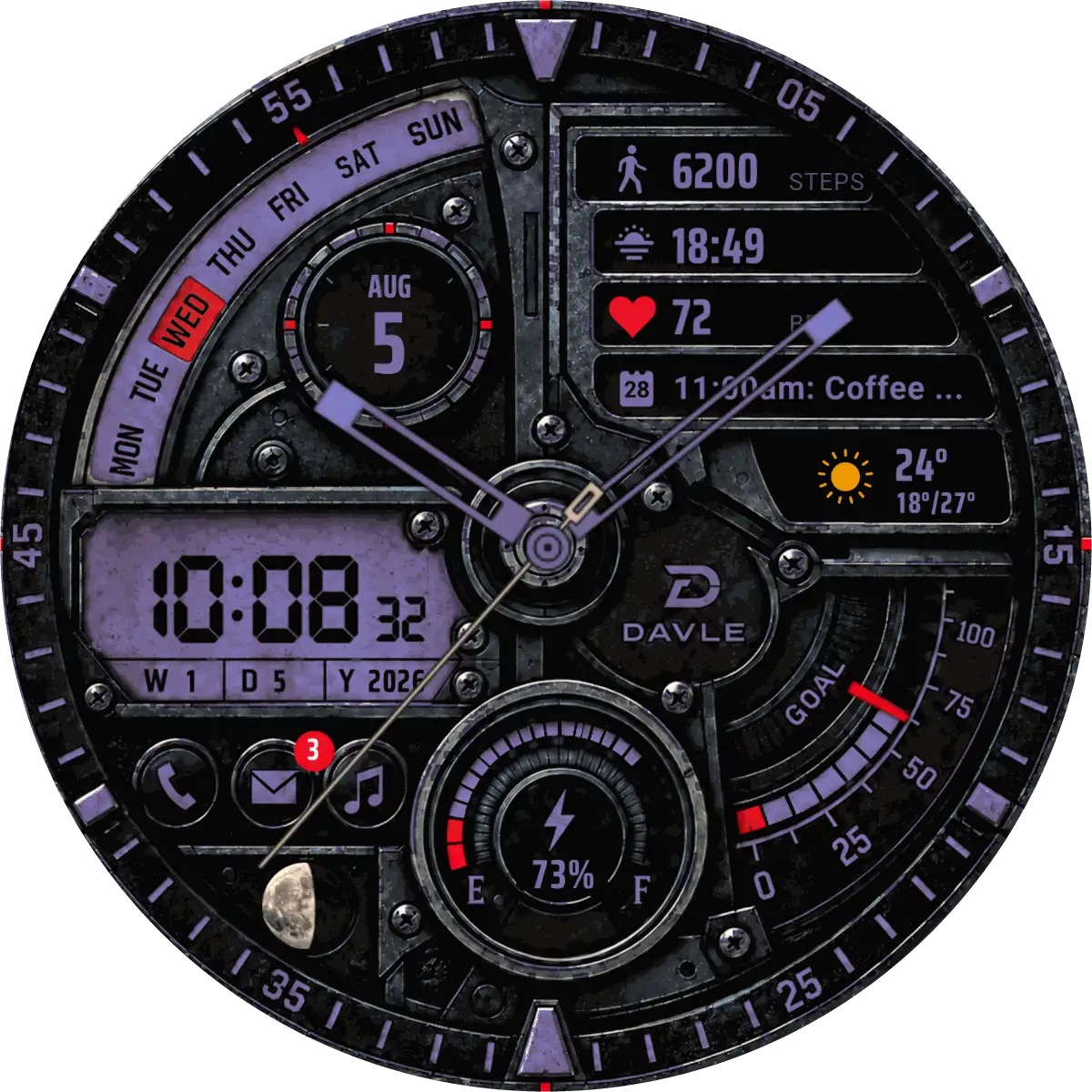
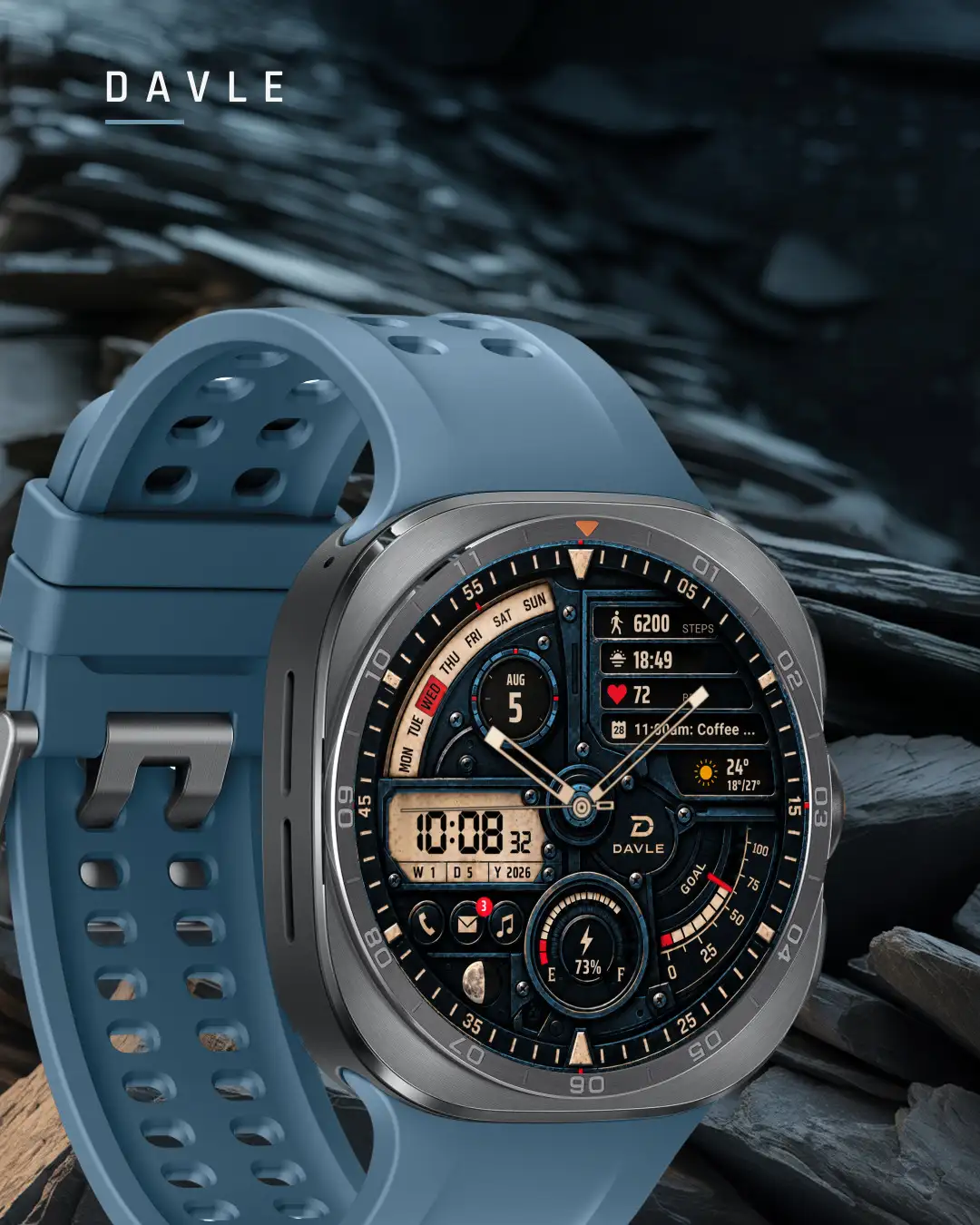
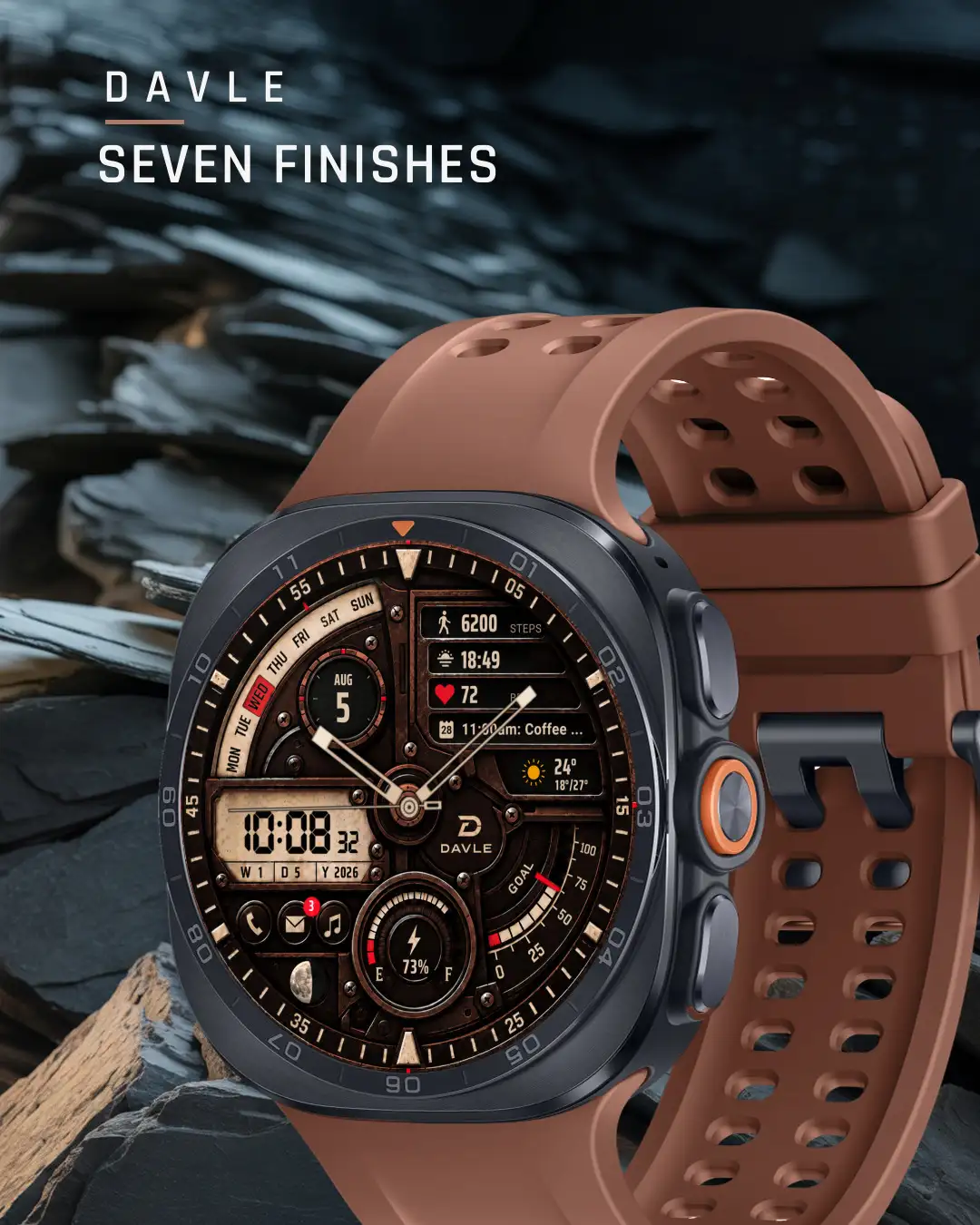
7 colours, one setting.
Seven clearly different colourways on the same dial: Original, MA-1 orange, Zinc Yellow, Marine, Turquoise, Phosphor green and Blue Lilac. The digital display, the gauges, the hands and the data texts take the colour you pick.
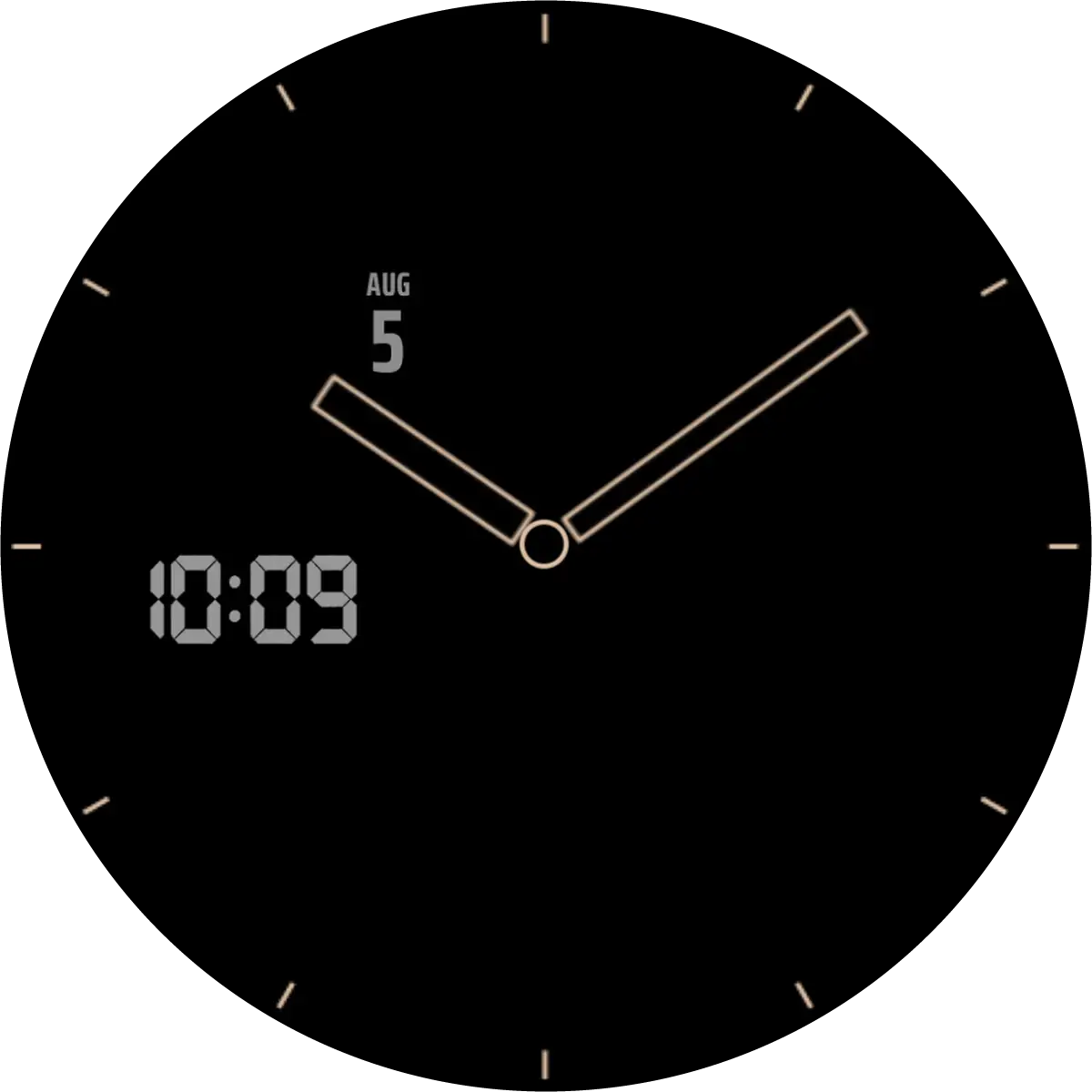
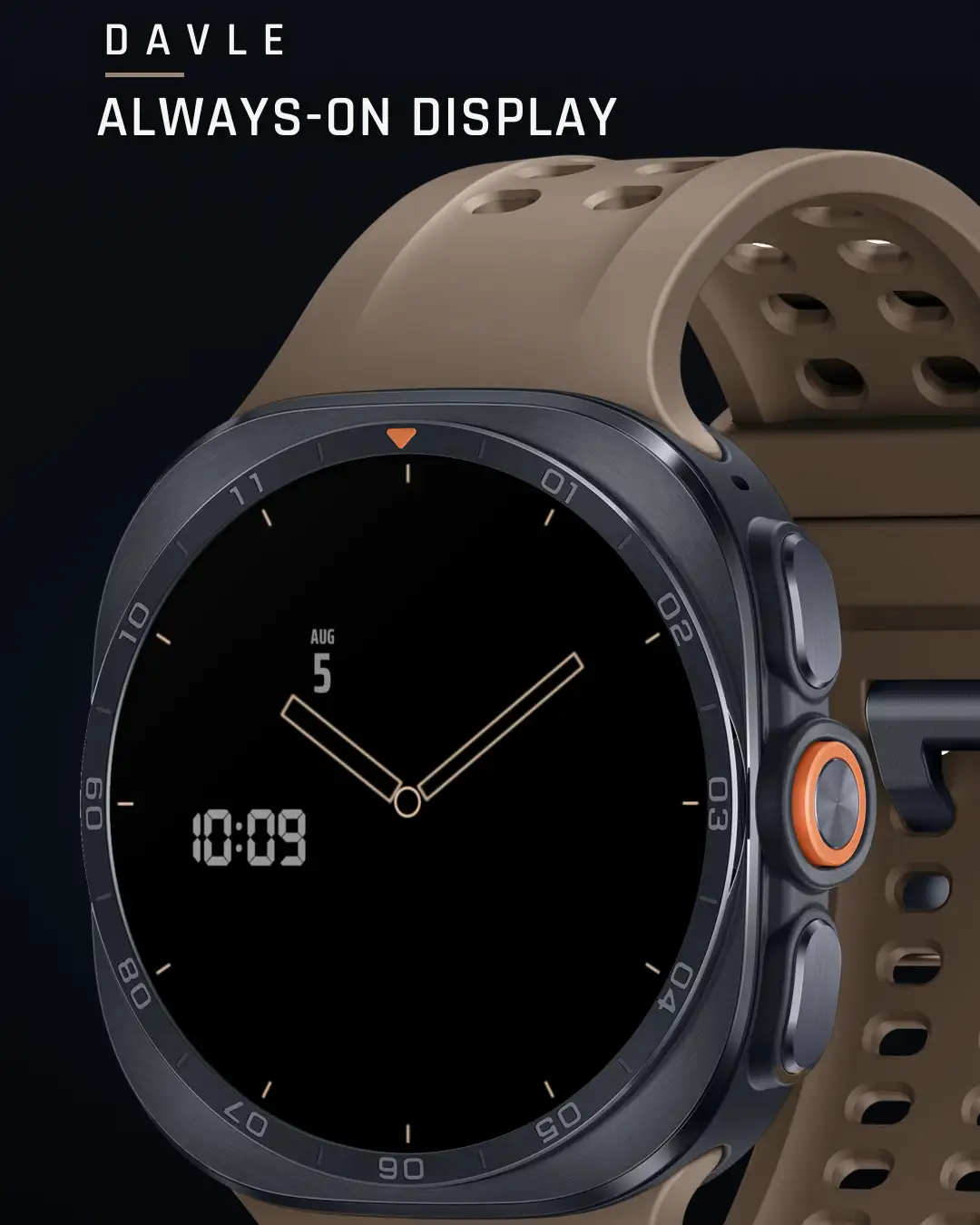
When you lower your wrist.
A sparse always-on view keeps the date, the digital time, and outlines of the hands and the minute ring visible at low power.
On the wrist.
Getting it onto your watch
TALOS is a watch face, so it lives on the watch. It is not on Google Play yet; these are the steps for when it is.
On your phone, watch paired
- Open TALOS in the Google Play app.
- If you see an arrow next to the price, tap it and choose your watch.
- Buy. Keep the watch near the phone; it can take a few minutes to arrive.
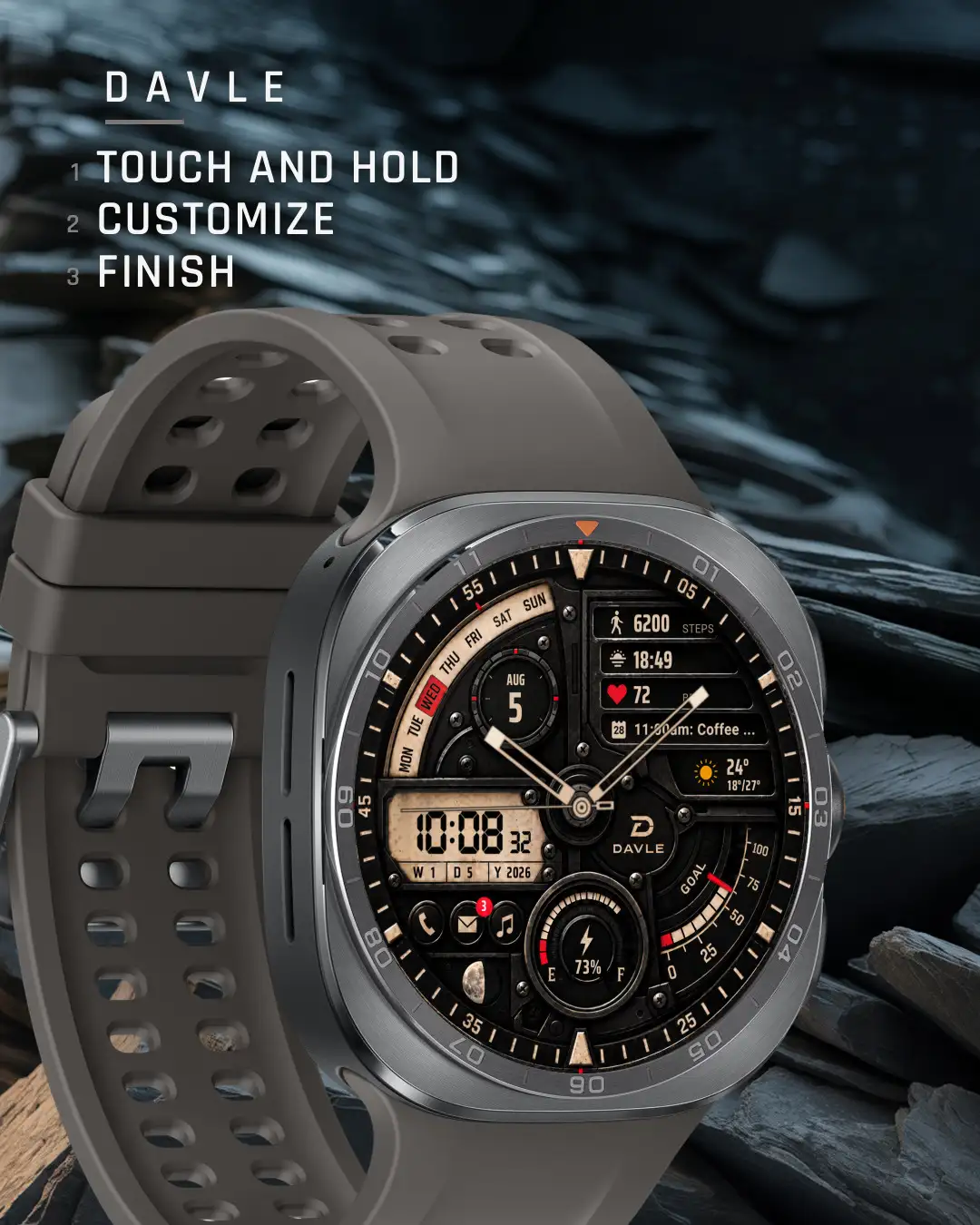
- On the watch, touch and hold the current face, swipe, and choose DAVLE TALOS.
No arrow? Your phone does not see a compatible watch on this Google account. Don't buy on the phone yet: use the watch or a computer instead.
On your watch
- Open Google Play on the watch.
- Search for DAVLE TALOS and install it.
- Touch and hold the current face, swipe to the end, and add TALOS.
On Galaxy watches you can also touch and hold the face and swipe left to More watch faces.
On a computer
- Open the TALOS page on Google Play once it is released, signed in with the same Google account as your watch.
- Choose your watch in the device list, then install.
- Add the face on the watch: touch and hold, swipe, choose TALOS.
It's installed but not in my watch face list
Give it a few minutes and keep the watch on Wi-Fi or near the phone. Then touch and hold the current face and swipe all the way to the end. If it still isn't there, restart the watch. Still missing? Write to us with your watch model.
Google Play says it isn't compatible
TALOS needs a round watch on Wear OS 5 or later. Update the watch software first. Galaxy Watch4, Watch5 and Watch6 need the One UI 6 Watch update. Square watches can't run it.
Customizing in the Galaxy Wearable app doesn't work
Customize on the watch instead: touch and hold the face, then Customize. It is quicker and always shows every option.
Questions
Will it work on my phone?
No. TALOS is a watch face for Wear OS watches. Your phone can only help you install it.
Which watches can run it?
Round watches with Wear OS 5 or later: Galaxy Watch4 and newer (Watch4 to Watch6 need One UI 6 Watch), Galaxy Watch Ultra, Pixel Watch, and other round Wear OS 5 watches. Not Apple Watch, not Fitbit, not square watches.
How long does it take to reach the watch?
Usually a few minutes after buying on the phone. Keep the watch connected.
Why does heart rate or steps show nothing?
The watch face reads the watch's own sensors. Allow the permissions when the watch asks, and wear the watch for a moment so it can take a reading.
Can I get a refund?
Google Play lets you ask for a refund within 48 hours of buying, from your order history. After that, write to us with your watch model and order number and we'll help.
How do I contact you?
Email studio@davlestudio.com. Include your watch model, so we can answer in one go.