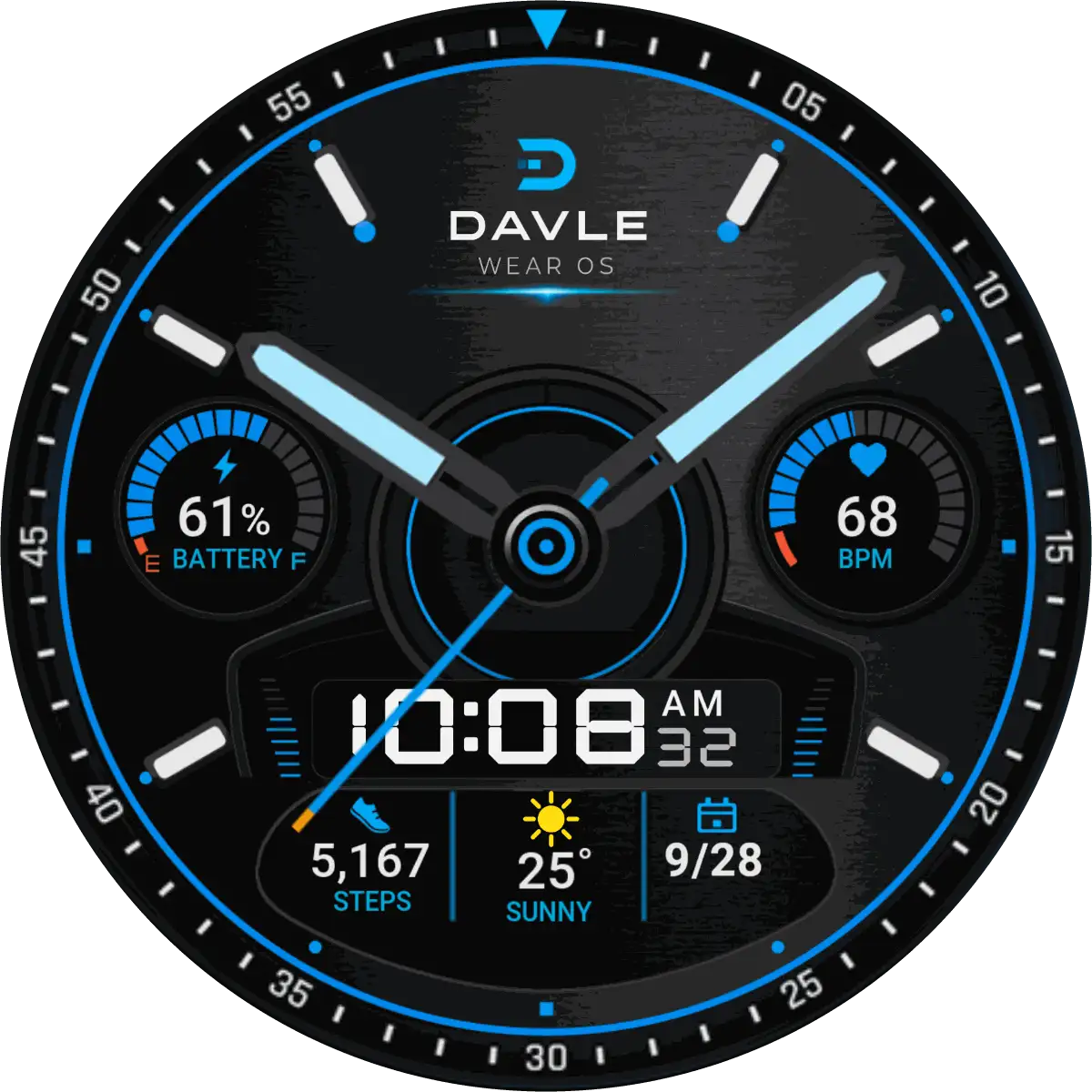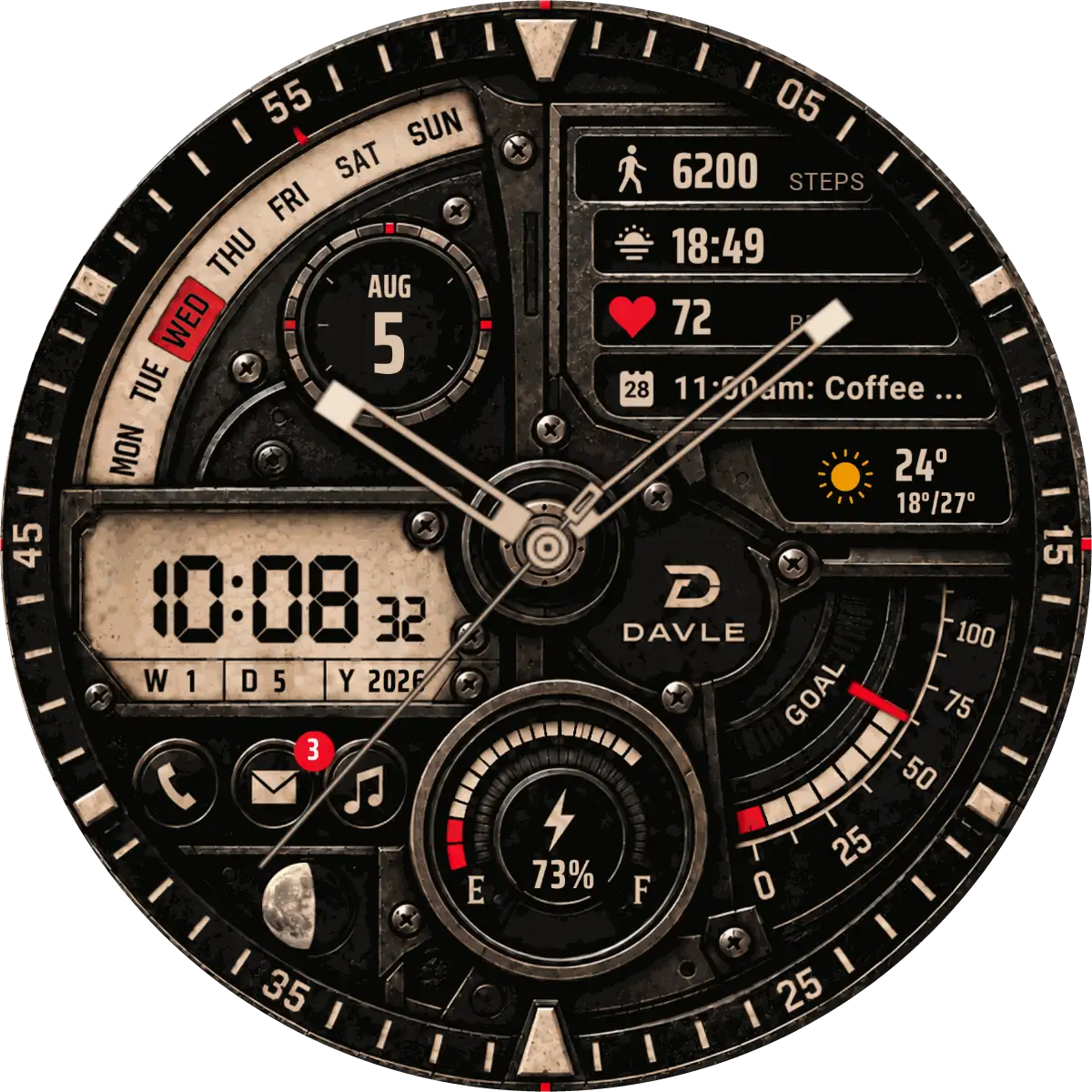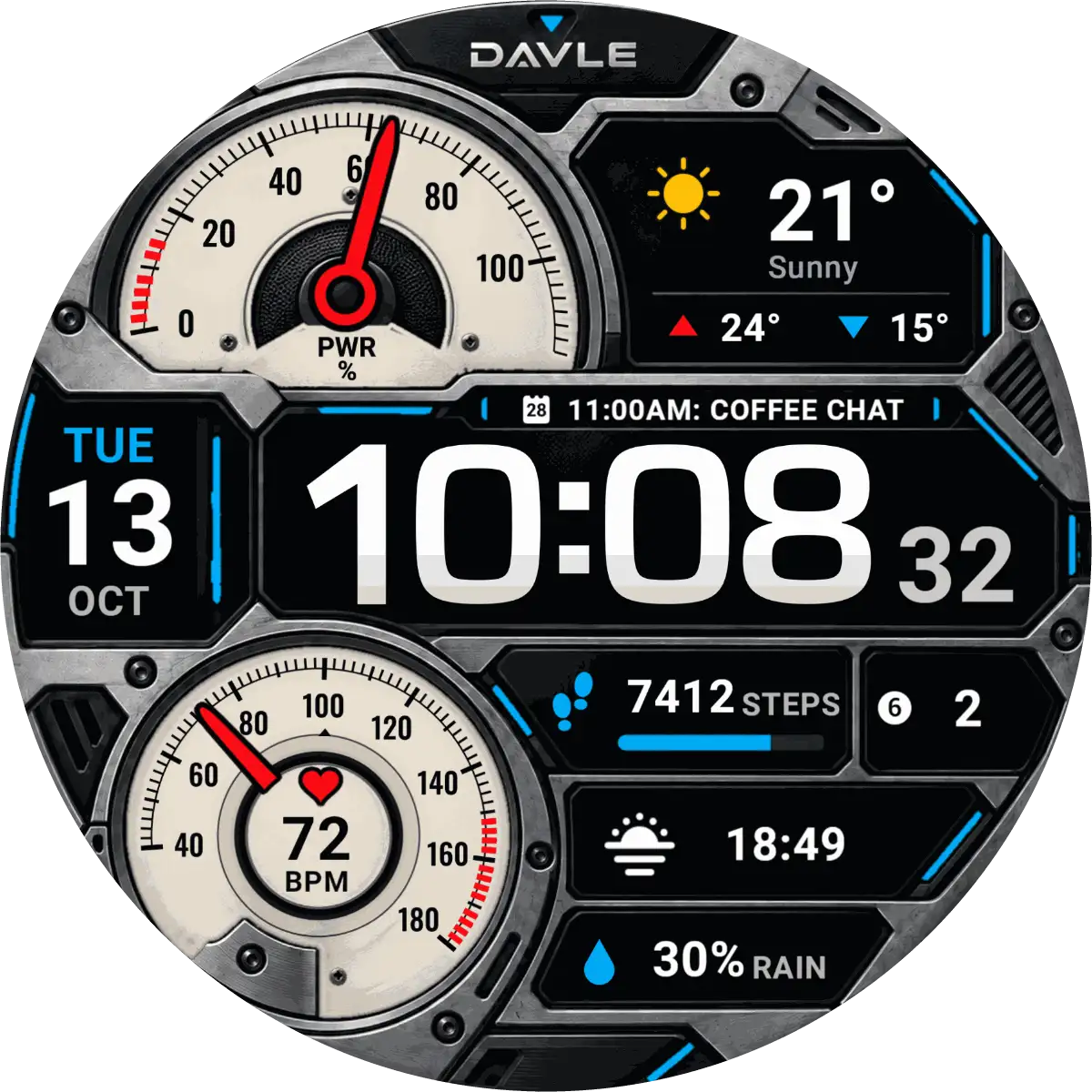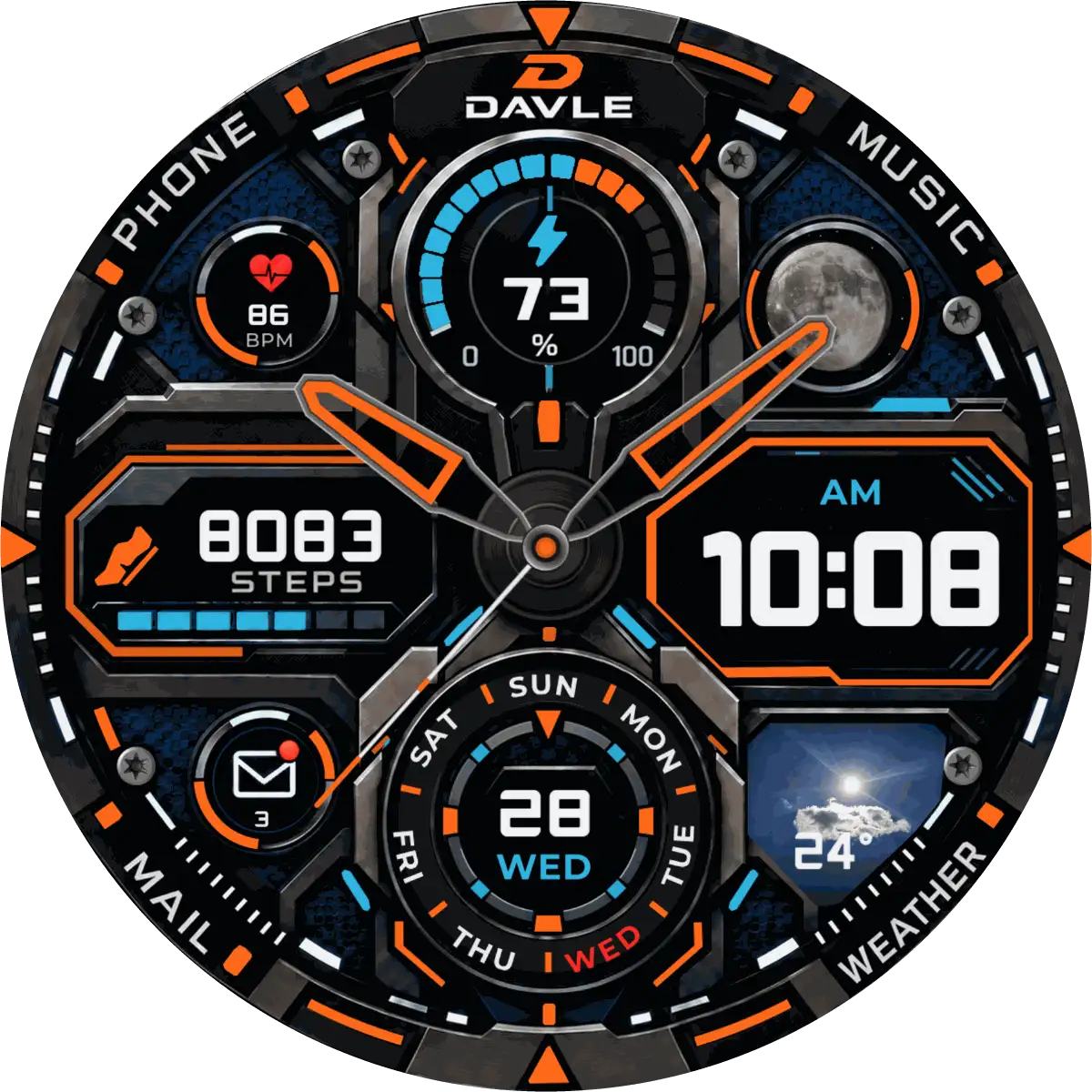
On Google Play
ATRAKTOS
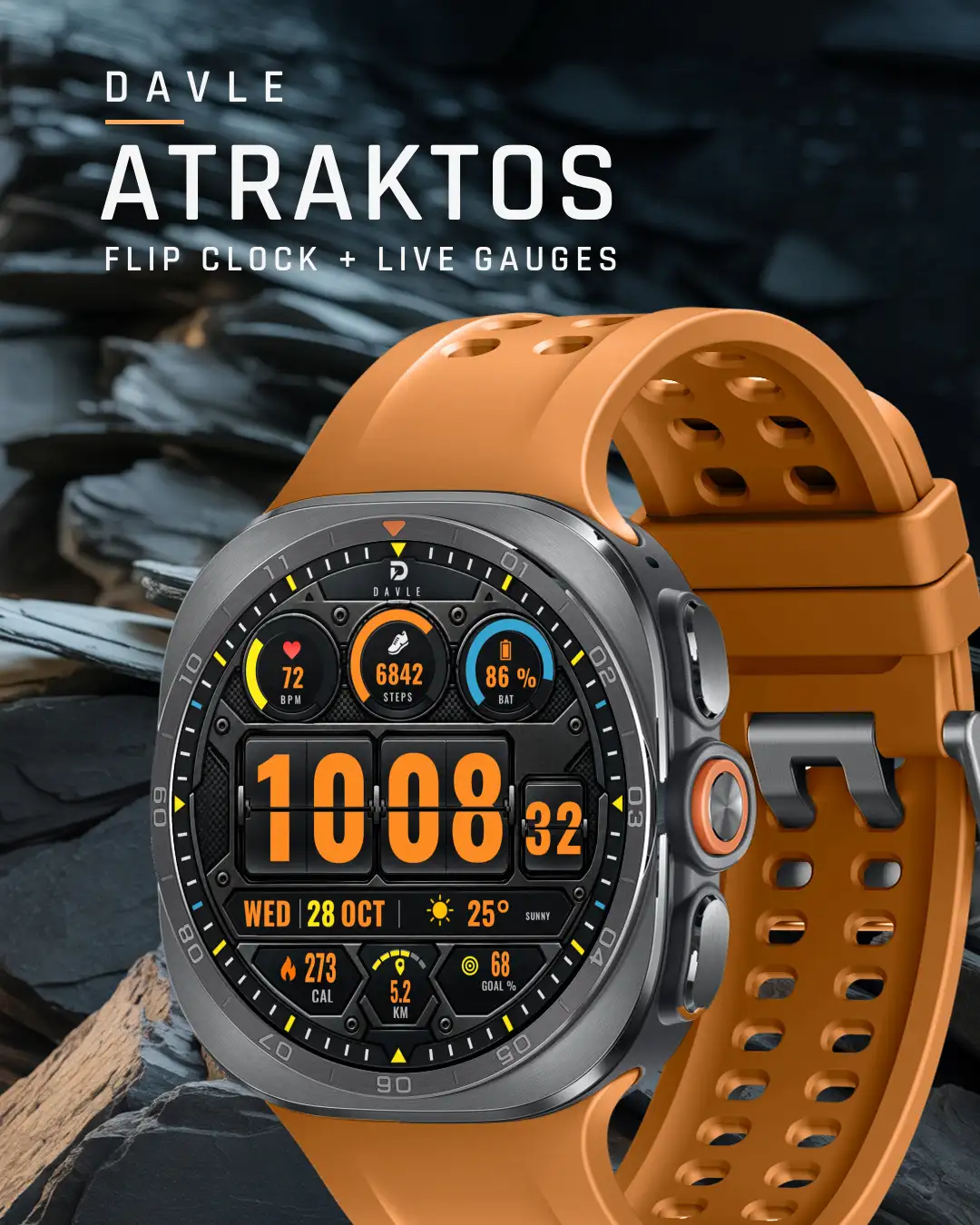
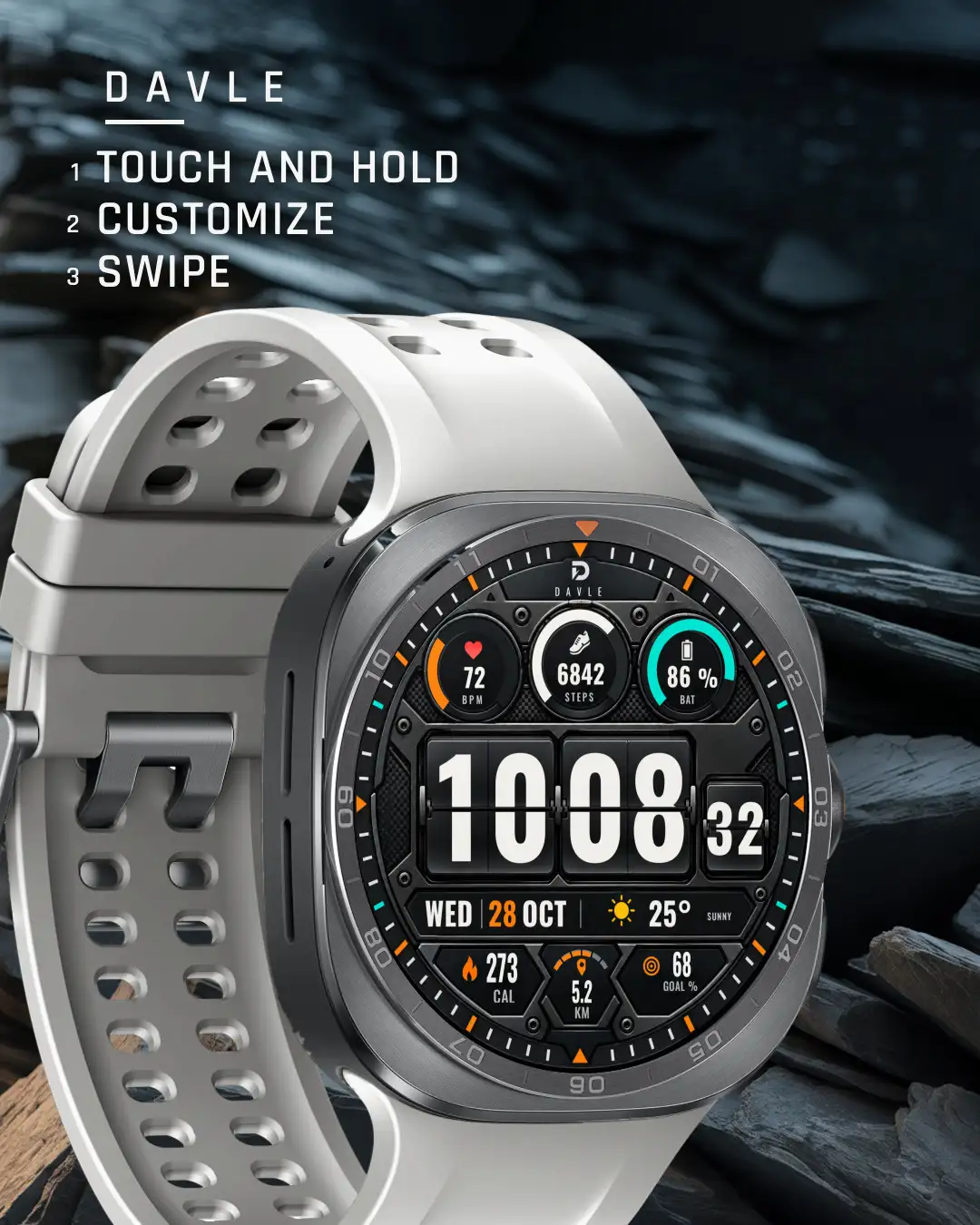
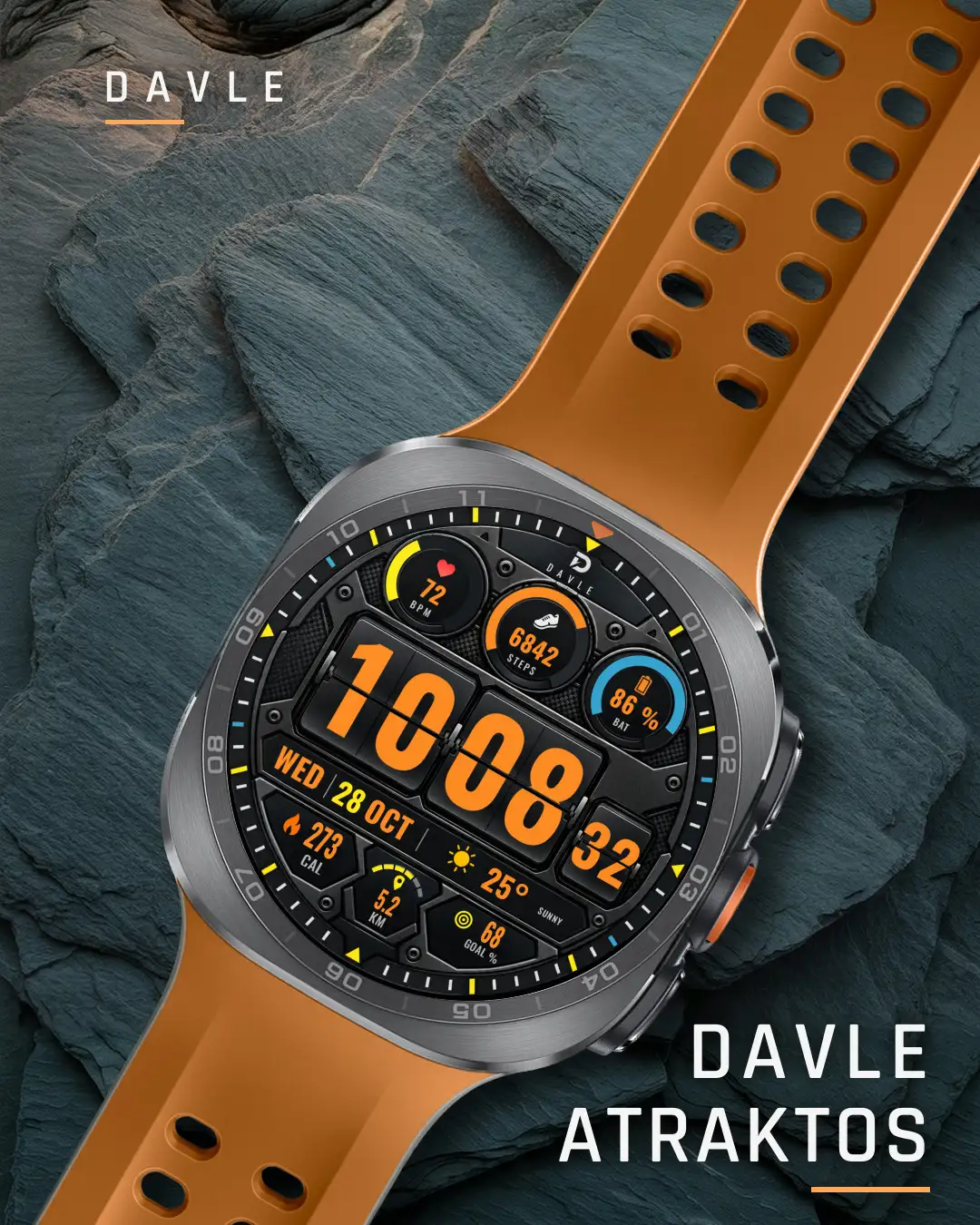
ATRAKTOS reads like a flight instrument: large flip cards for the time, live gauge rings for your numbers.
It needs a round watch with Wear OS 5 or later. Buying on a phone works when your watch is paired: choose the watch at checkout.
- Wear OS 5 or later
- Round watches
- Galaxy Watch4 and newer
- Pixel Watch
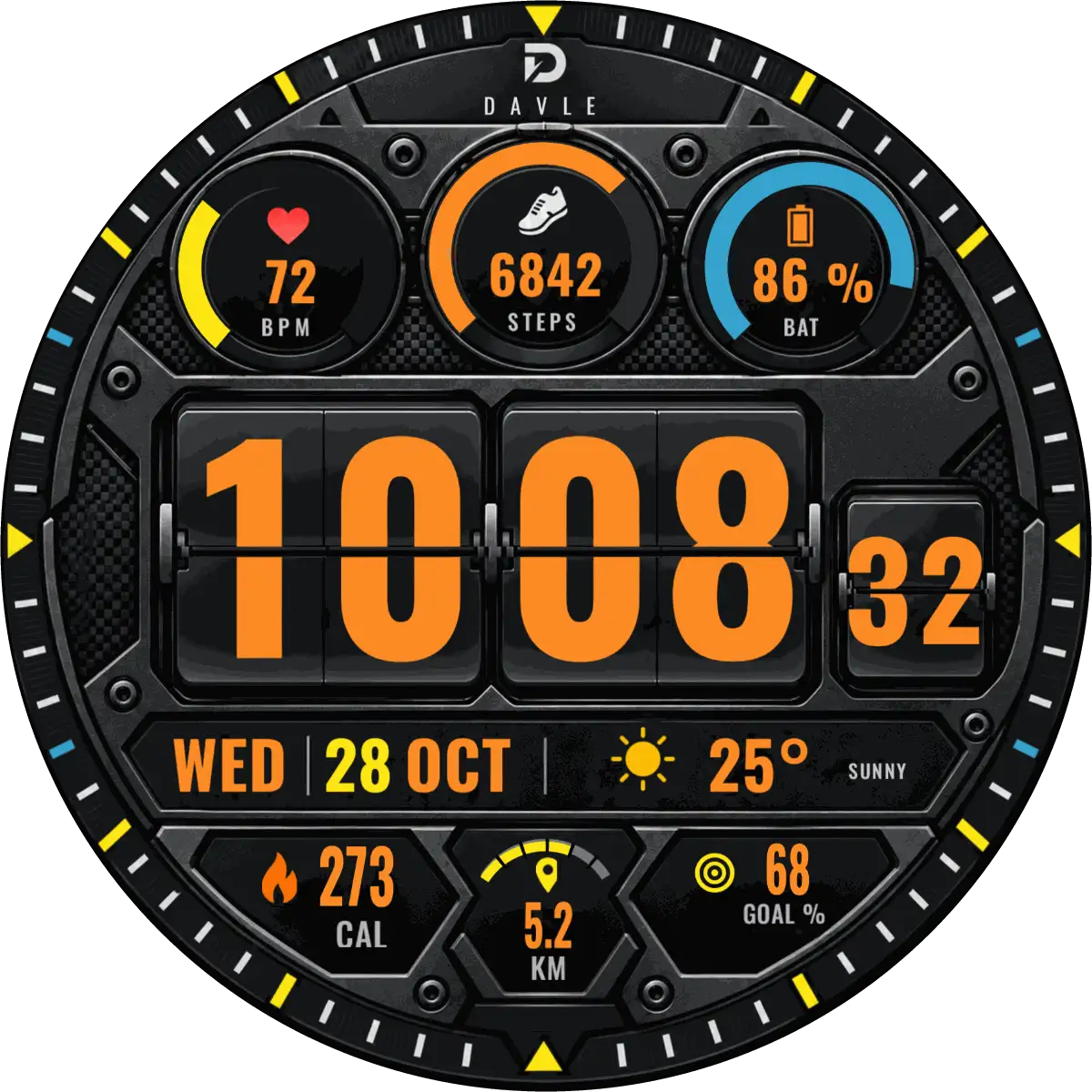
Captured from the watch at 1:1
Every reading is live.
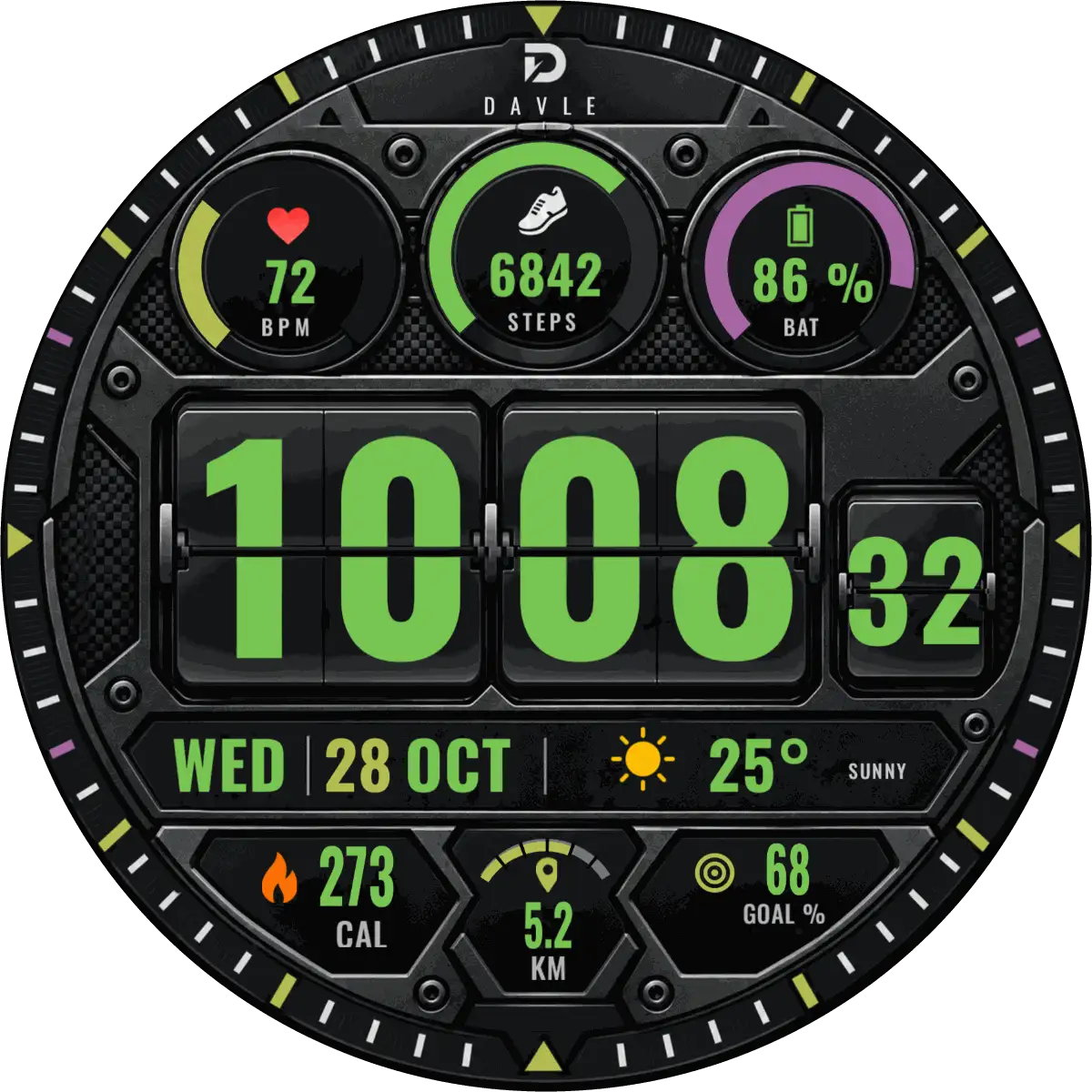
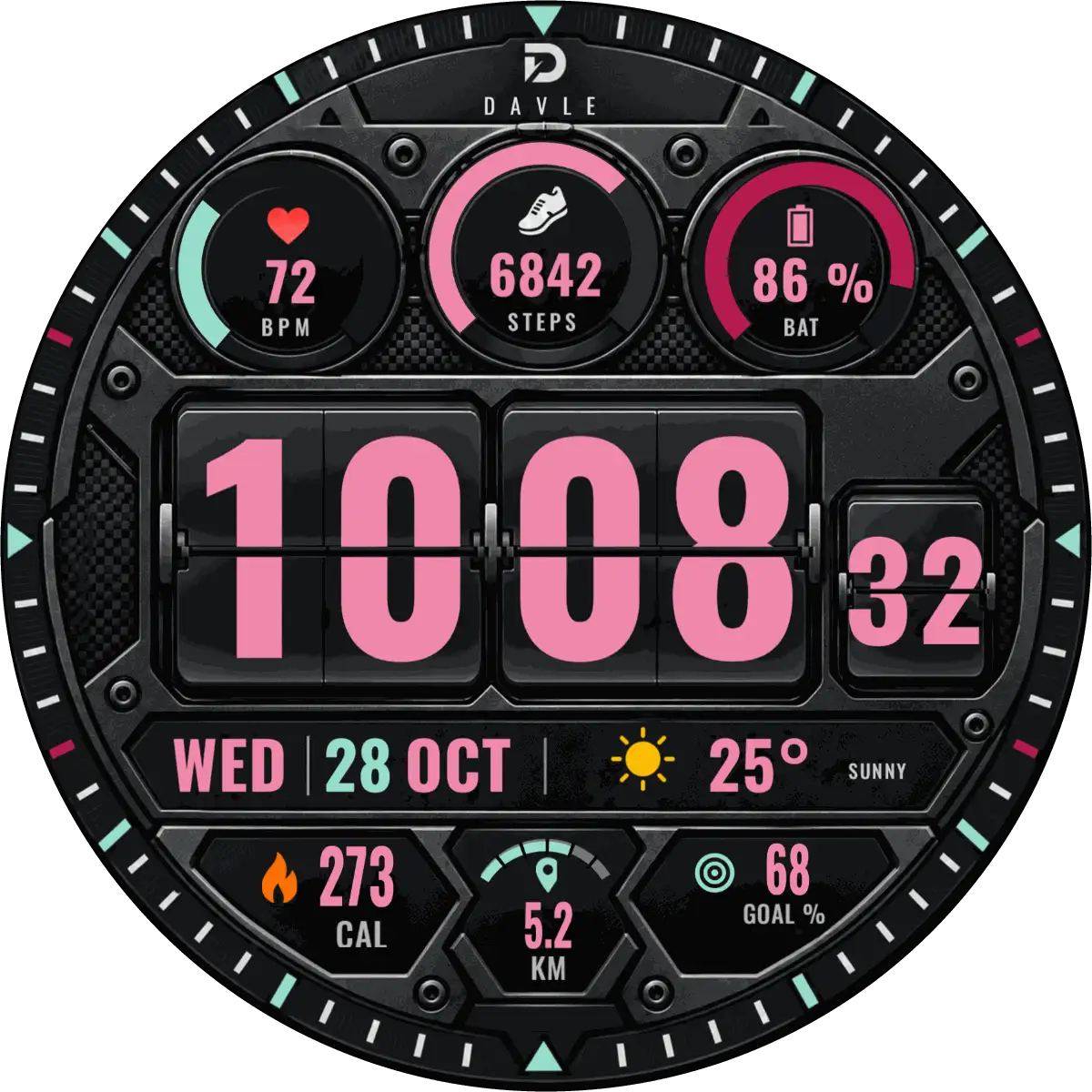
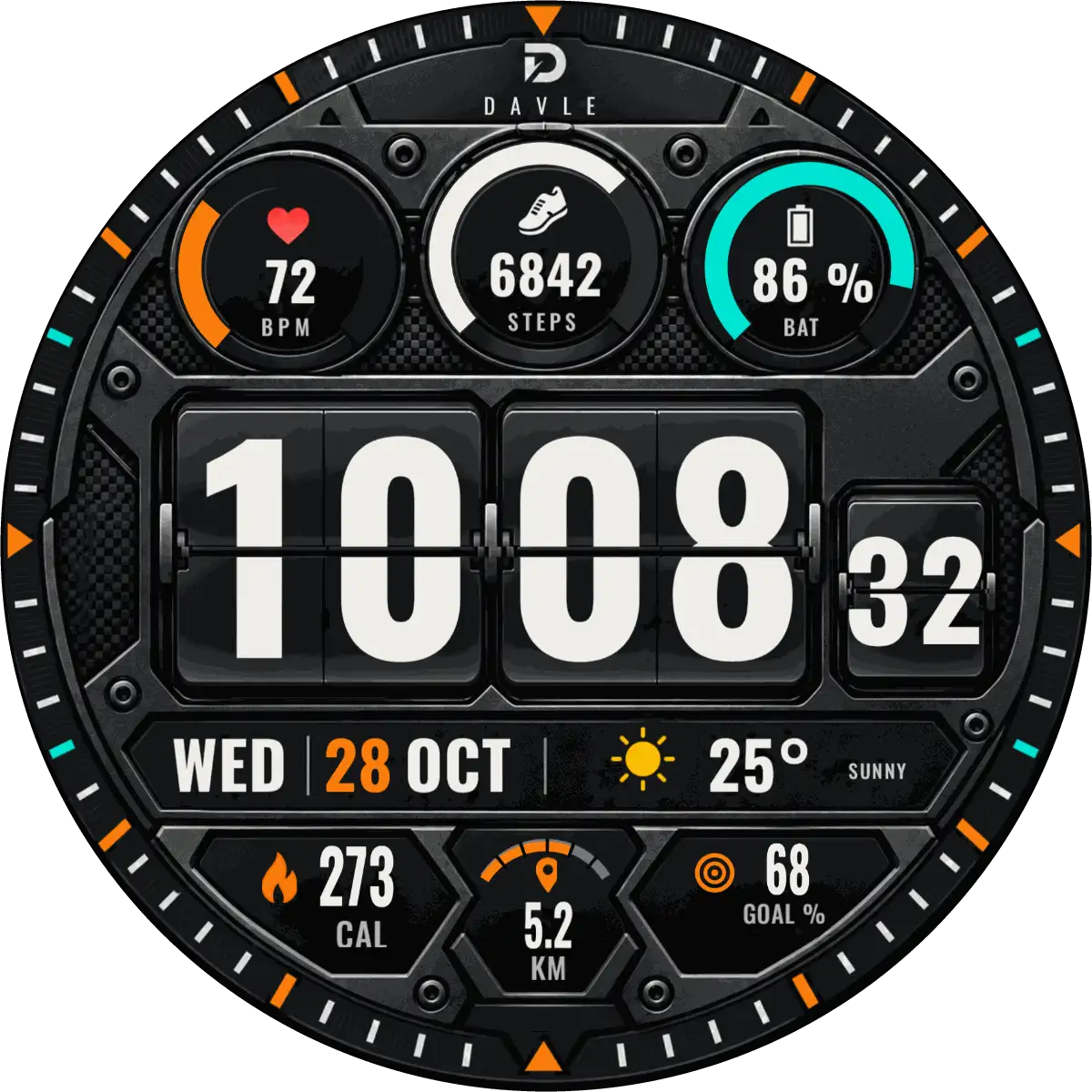
- Hours and minutes on large flip cards, with a separate seconds card (follows your watch's 12/24-hour setting)
- Heart rate, step count and battery, each on its own live gauge ring
- Weekday, date, weather condition and temperature
- Calories and distance, calculated from your step count
- Progress toward your daily step goal, in percent
6 colours, one setting.
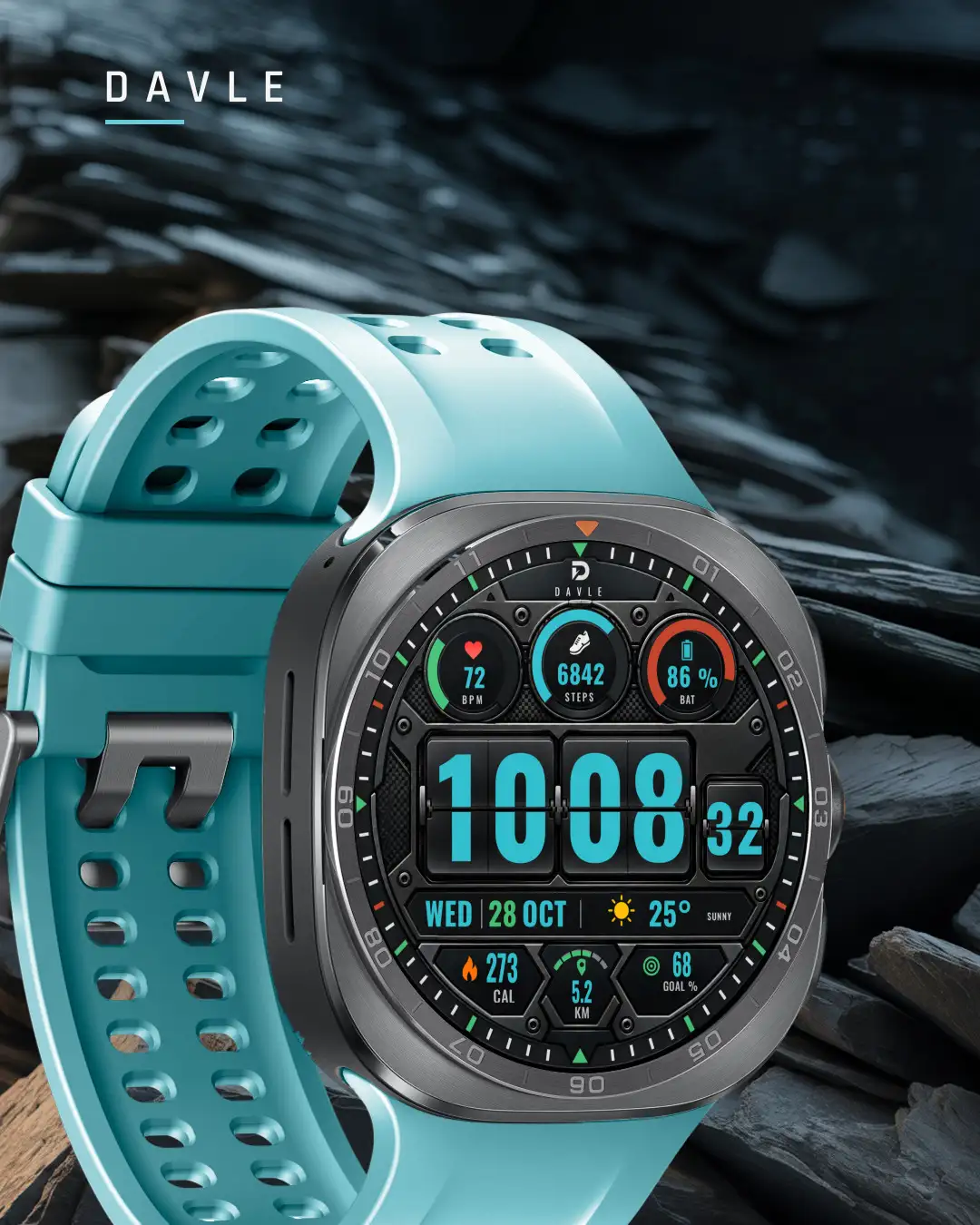
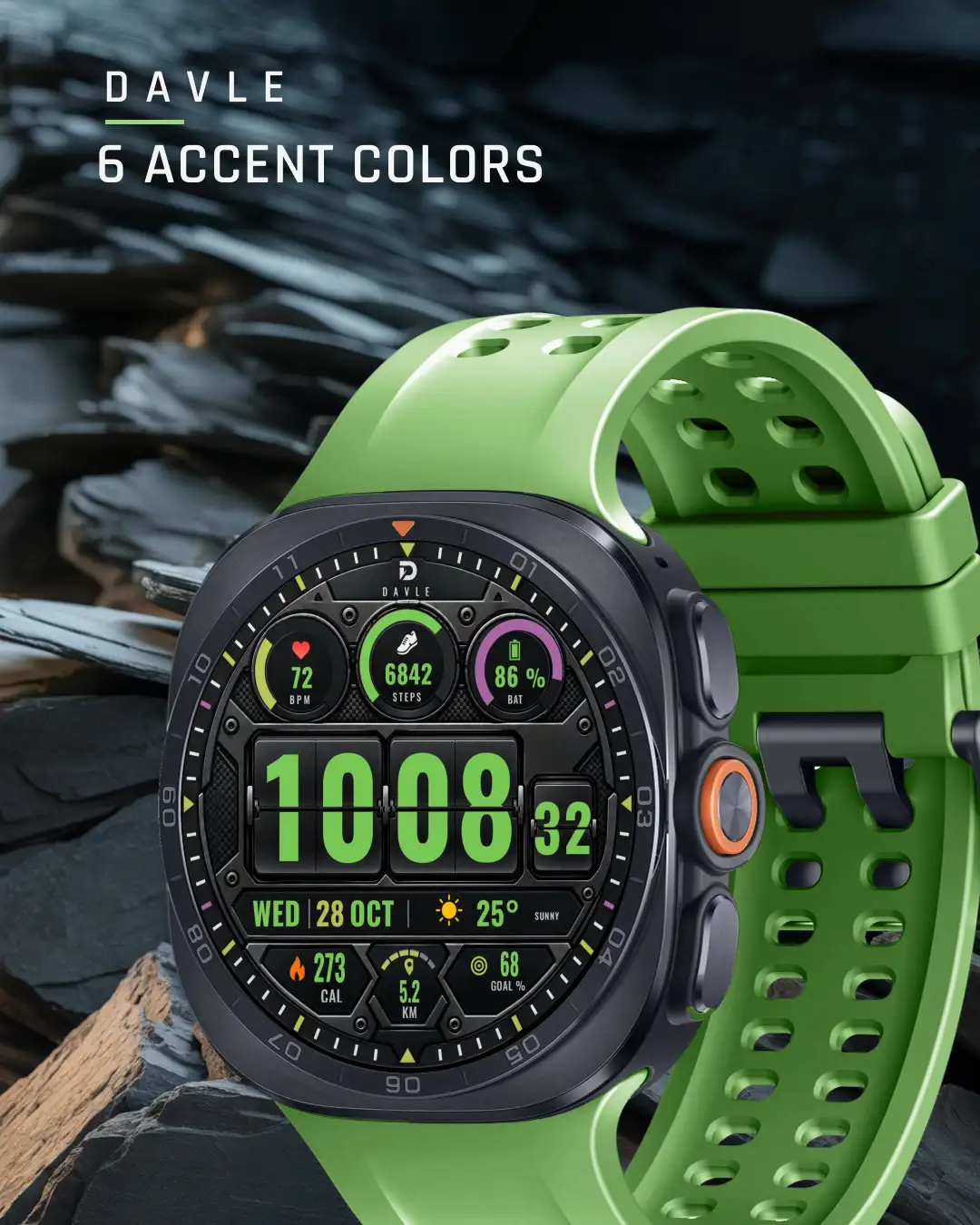
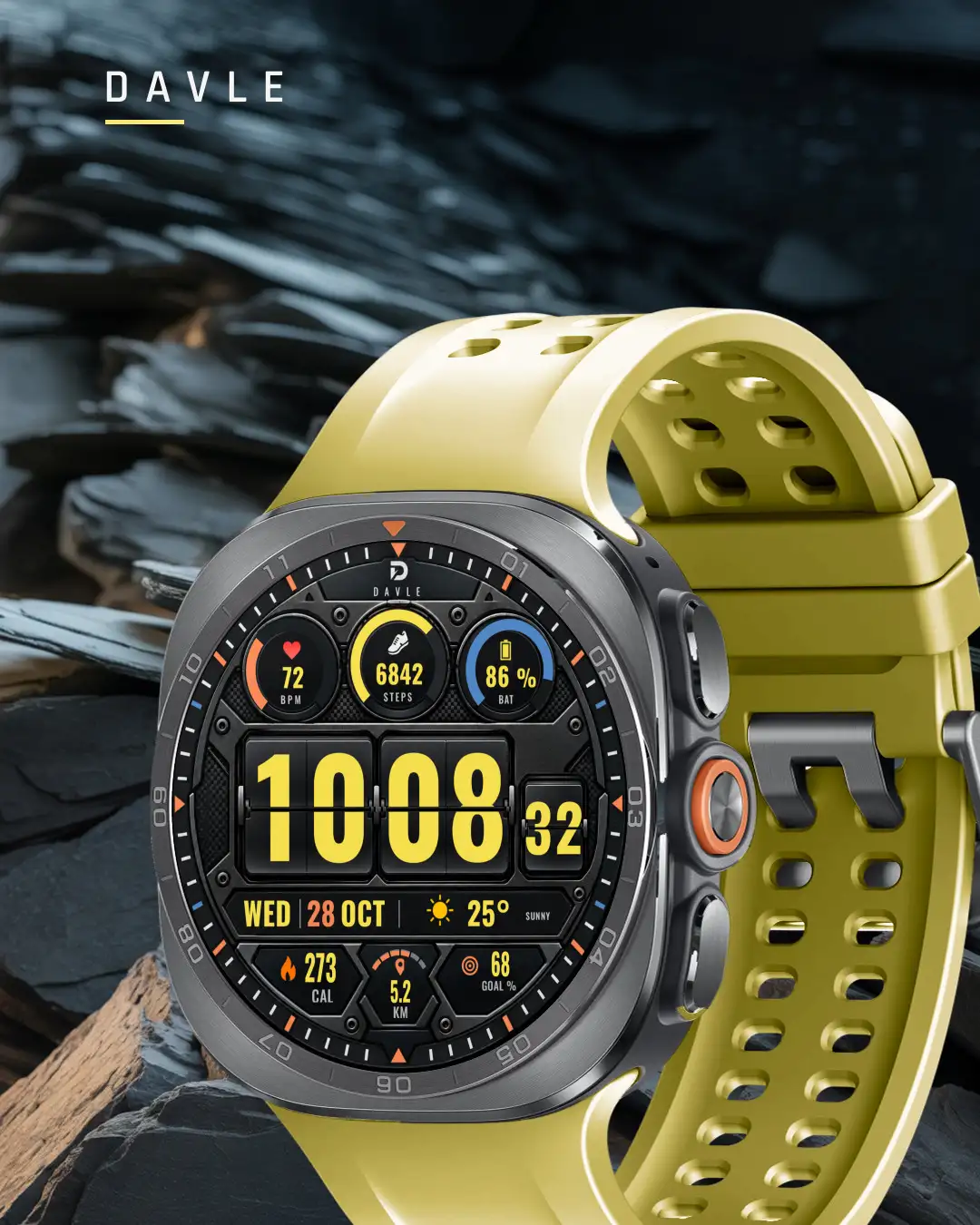
6 color themes: Orange, Teal, Yellow, Green, Pink and White. Each theme recolors the digits, the three gauge rings, the date and the bezel markers together. One control changes them all.
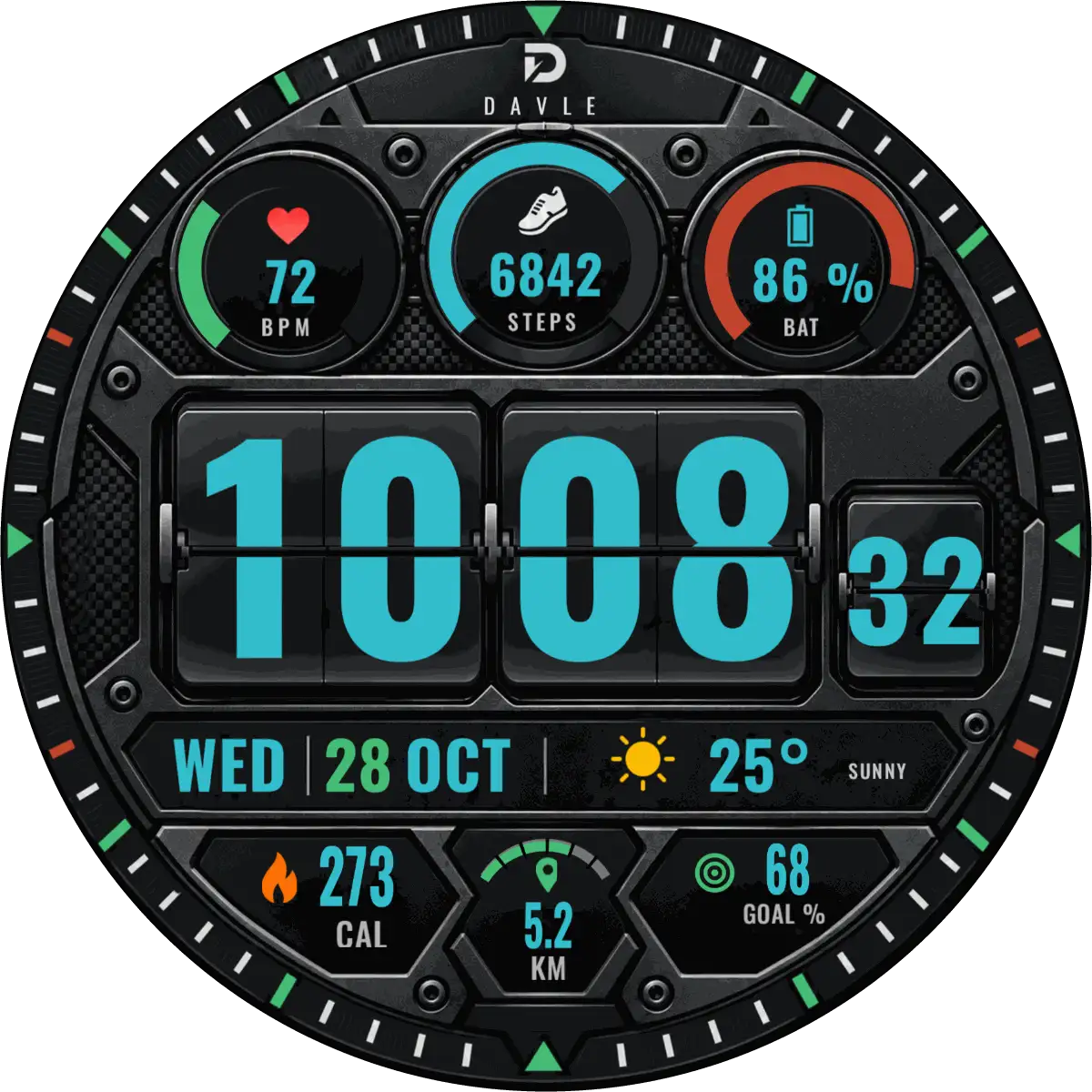
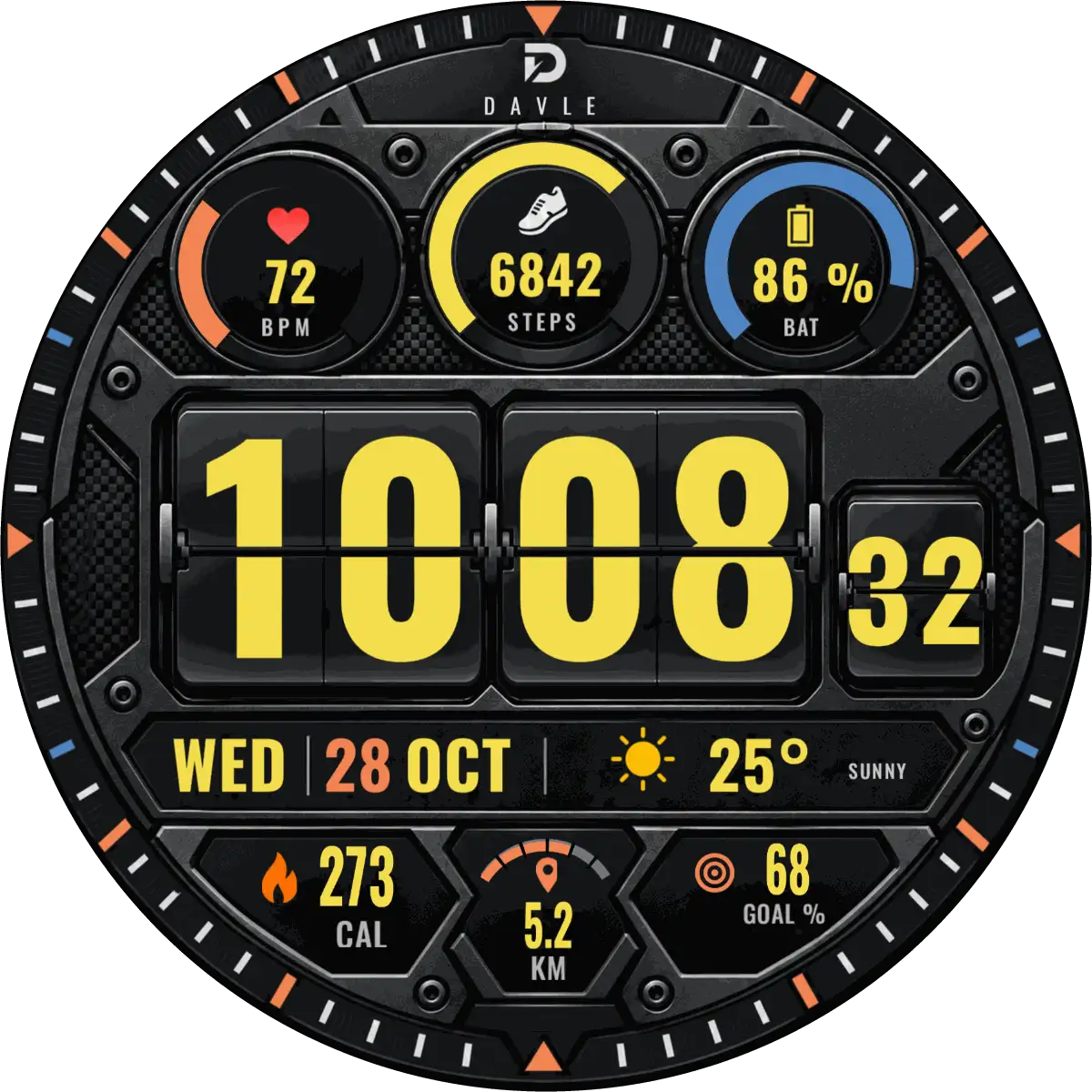
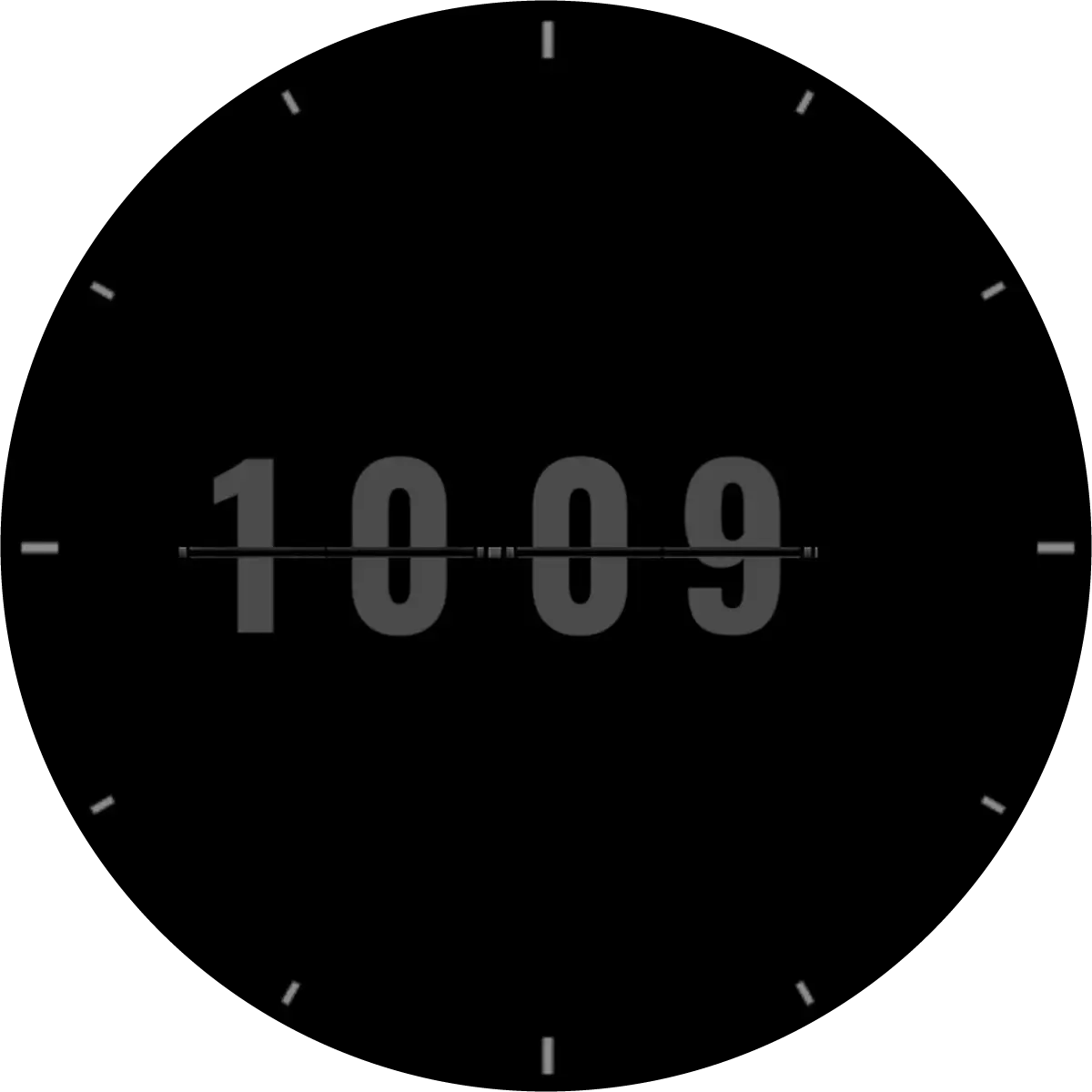
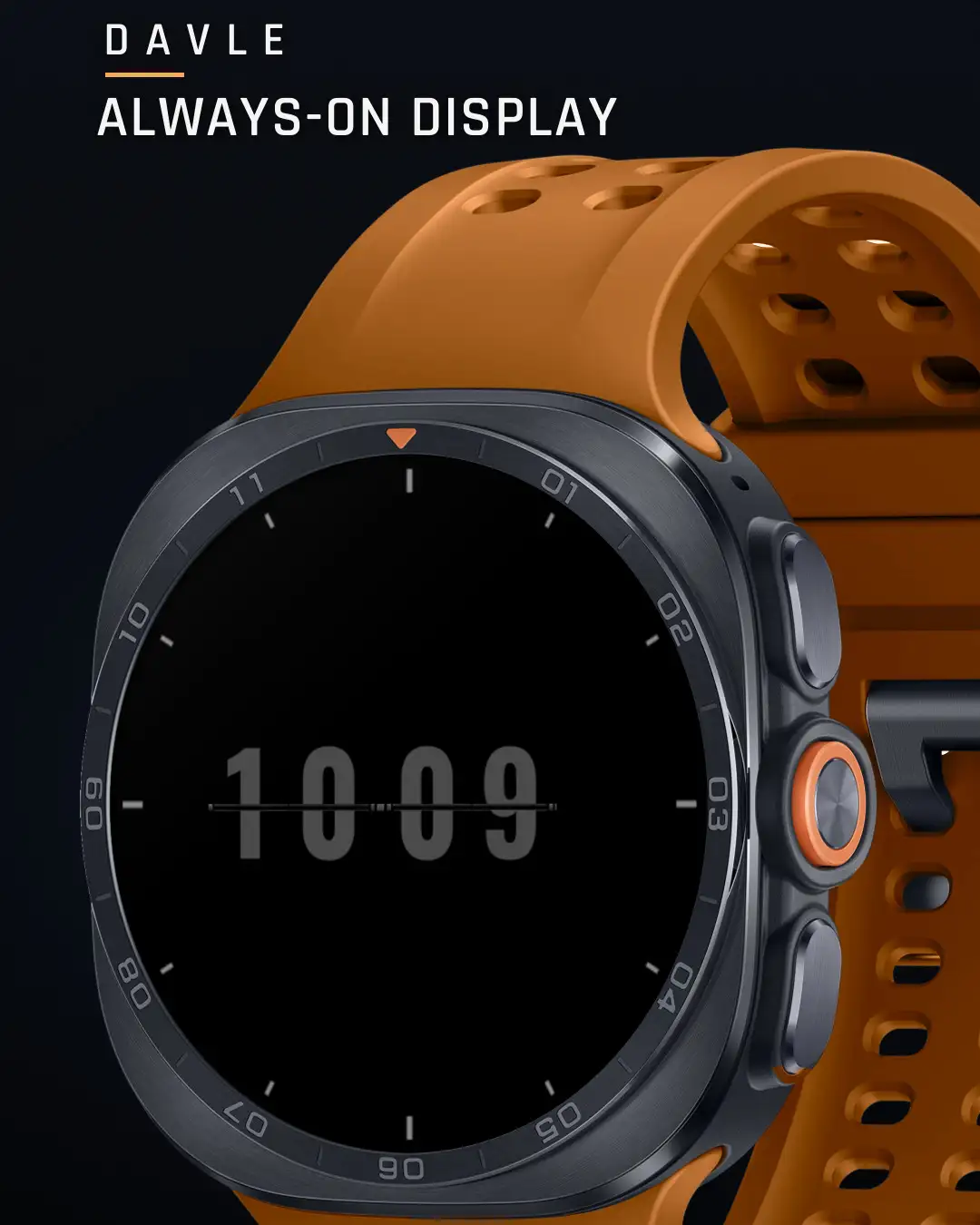
When you lower your wrist.
A dedicated always-on layout keeps the time readable at a glance.
On the wrist.
Getting it onto your watch
ATRAKTOS is a watch face, so it lives on the watch. Pick the way that matches where you are.
On your phone, watch paired
- Open ATRAKTOS in the Google Play app.
- If you see an arrow next to the price, tap it and choose your watch.
- Buy. Keep the watch near the phone; it can take a few minutes to arrive.
- On the watch, touch and hold the current face, swipe, and choose DAVLE ATRAKTOS.
No arrow? Your phone does not see a compatible watch on this Google account. Don't buy on the phone yet: use the watch or a computer instead.
On your watch
- Open Google Play on the watch.
- Search for DAVLE ATRAKTOS and install it.
- Touch and hold the current face, swipe to the end, and add ATRAKTOS.
On Galaxy watches you can also touch and hold the face and swipe left to More watch faces.
On a computer
- Open the ATRAKTOS page on Google Play, signed in with the same Google account as your watch.
- Choose your watch in the device list, then install.
- Add the face on the watch: touch and hold, swipe, choose ATRAKTOS.
It's installed but not in my watch face list
Give it a few minutes and keep the watch on Wi-Fi or near the phone. Then touch and hold the current face and swipe all the way to the end. If it still isn't there, restart the watch. Still missing? Write to us with your watch model.
Google Play says it isn't compatible
ATRAKTOS needs a round watch on Wear OS 5 or later. Update the watch software first. Galaxy Watch4, Watch5 and Watch6 need the One UI 6 Watch update. Square watches can't run it.
What does the phone app do?
A small phone app comes with ATRAKTOS. It shows the colours and opens the watch face's Google Play page on your watch, so you can install it there. The watch face works without it.
Customizing in the Galaxy Wearable app doesn't work
Customize on the watch instead: touch and hold the face, then Customize. It is quicker and always shows every option.
Questions
Will it work on my phone?
No. ATRAKTOS is a watch face for Wear OS watches. Your phone can only help you install it.
Which watches can run it?
Round watches with Wear OS 5 or later: Galaxy Watch4 and newer (Watch4 to Watch6 need One UI 6 Watch), Galaxy Watch Ultra, Pixel Watch, and other round Wear OS 5 watches. Not Apple Watch, not Fitbit, not square watches.
How long does it take to reach the watch?
Usually a few minutes after buying on the phone. Keep the watch connected.
Why does heart rate or steps show nothing?
The watch face reads the watch's own sensors. Allow the permissions when the watch asks, and wear the watch for a moment so it can take a reading.
Can I get a refund?
Google Play lets you ask for a refund within 48 hours of buying, from your order history. After that, write to us with your watch model and order number and we'll help.
How do I contact you?
Email studio@davlestudio.com. Include your watch model, so we can answer in one go.